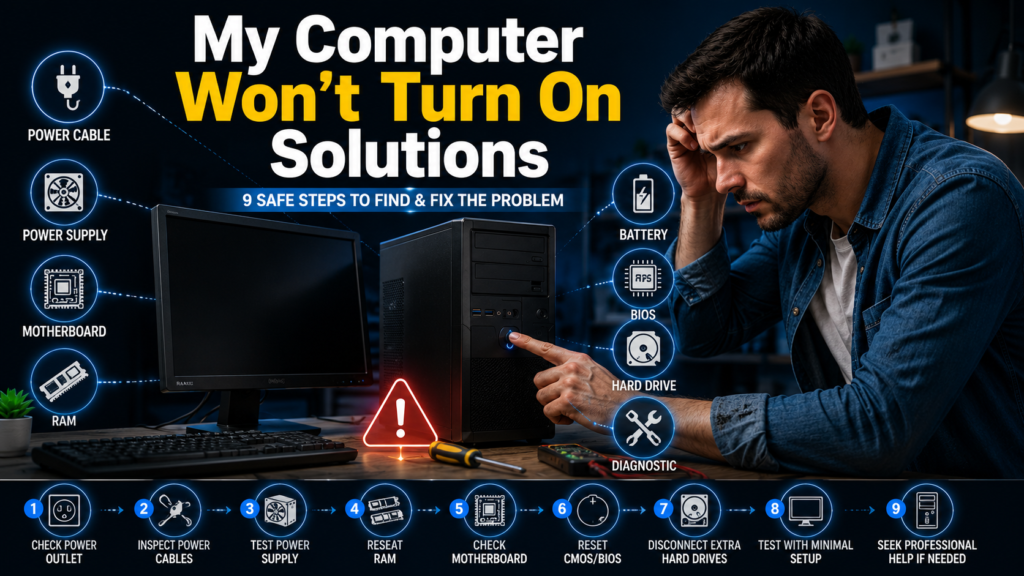
Choosing the best home WiFi router depends on more than its advertised speed. Your home size, internet plan, device count, wall construction, security needs, and tolerance for subscription fees all affect which model makes sense.
For most households, the TP-Link Archer BE770 is the strongest all-around single-router choice. Homes with dead zones may get better results from a mesh system such as the TP-Link Deco 7 Pro or Netgear Orbi 770. Budget buyers can save money with Wi-Fi 6 hardware without giving up dependable everyday performance. Current testing from major technology publications shows that different models lead in different price and use-case categories rather than one router winning every test.
Quick comparison of our top picks
| Router | Best for | Wi-Fi class | Main advantage | Main drawback |
| TP-Link Archer BE770 | Best overall | Wi-Fi 7 | Excellent speed and range | Large design |
| TP-Link Archer BE3600 | Budget Wi-Fi 7 | Wi-Fi 7 | Strong value | No 6 GHz band |
| TP-Link Archer BE550 | Midrange buyers | Wi-Fi 7 | Good balance of speed and ports | Less extreme than premium models |
| Eero 6+ | Simple budget mesh | Wi-Fi 6 | Easy setup and expansion | Some features require a subscription |
| TP-Link Deco 7 Pro | Best mesh value | Wi-Fi 7 | Broad coverage and simple management | Paid advanced features |
| Netgear Orbi 770 | Large homes | Wi-Fi 7 | Strong multi-node coverage | Expensive |
| Asus ROG Strix GS-BE12000 | Gaming | Wi-Fi 7 | Fast wired ports and no feature subscription | More router than casual users need |
How we chose the best home WiFi router options?
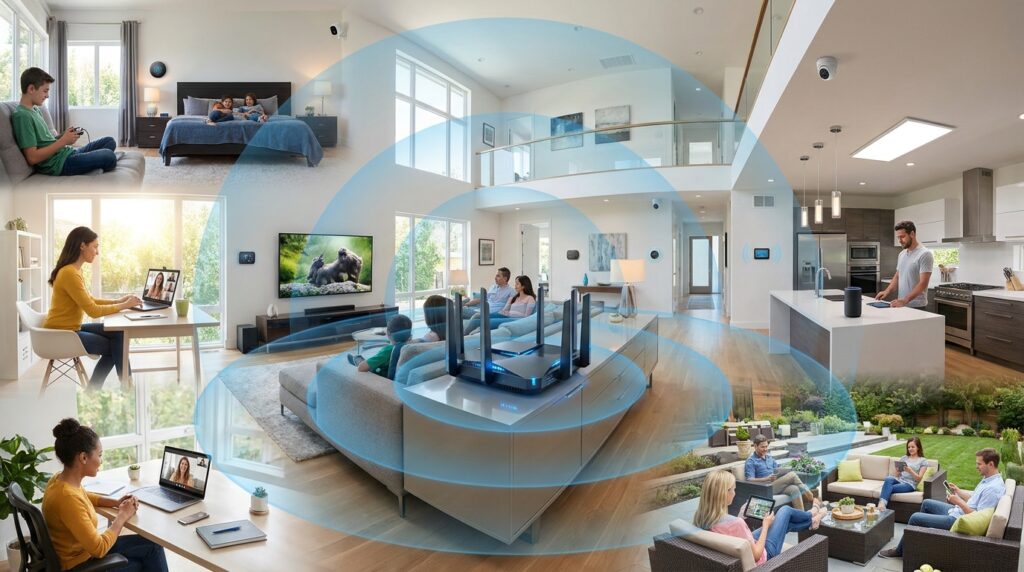
A useful router comparison must look beyond the speed printed on the box. Those figures combine theoretical band capacity and don’t represent the speed one phone or laptop will receive.
We focused on five factors:
- Real-world performance at short and longer distances
- Coverage in small, medium, and large homes
- Wi-Fi generation and device compatibility
- Ethernet ports, security tools, and parental controls
- Purchase cost and possible subscription fees
We also favored routers that match common household needs. A premium model with 10 Gbps ports offers little benefit when the internet plan and connected devices top out at 1 Gbps.
1. TP-Link Archer BE770: Best overall
The TP-Link Archer BE770 is our overall recommendation for buyers who want a fast, current-generation router without moving into the highest price tier.
Tom’s Guide recorded wireless throughput of 2.181 Gbps at 15 feet in its testing. The same publication measured 1.239 Gbps at 50 feet and 772.1 Mbps at 75 feet. Those results show why the model works well for demanding households with gaming systems, 4K streaming devices, work computers, and large downloads.
Pros
- Strong close-range and long-range test results
- Wi-Fi 7 support
- Suitable for multi-gigabit internet plans
- Good balance between premium speed and price
Cons
- Large physical footprint
- Unnecessary for basic plans and a few connected devices
Verdict: Choose the Archer BE770 when you want one powerful unit for a medium-size home and have modern devices that can benefit from its speed.
2. TP-Link Archer BE3600: Best budget Wi-Fi 7 option
The Archer BE3600 gives budget shoppers access to Wi-Fi 7 without the cost of a tri-band flagship.
It reached 1.138 Gbps at 15 feet in Tom’s Guide testing. Performance fell more quickly at longer distances, and the model lacks a 6 GHz band. It still makes sense for apartments, smaller homes, and users who want newer technology at a restrained price.
Pros
- Lower entry price for Wi-Fi 7
- Fast performance at close range
- Suitable for apartments and smaller houses
- Simple upgrade from an aging ISP router
Cons
- No 6 GHz radio
- Less suitable for distant rooms
- Limited benefit for older client devices
Verdict: This is the value pick for smaller spaces. Large homes should consider mesh hardware instead.
3. TP-Link Archer BE550: Best midrange choice
The Archer BE550 sits between basic dual-band hardware and costly flagship systems.
RTINGS recommends it as a midrange option because it combines tri-band Wi-Fi 7 with speeds suited to several people streaming high-resolution video or downloading large files at the same time.
Its appeal lies in balance. You get access to the 6 GHz band, modern wireless features, and useful wired connectivity without paying for the Archer BE900’s extreme port selection.
Pros
- Tri-band Wi-Fi 7
- Good fit for busy households
- More affordable than flagship hardware
- Suitable for fast fiber plans
Cons
- Not the cheapest upgrade
- Maximum performance requires compatible devices
- One router may not cover a complex floor plan
Verdict: Pick the BE550 when you want modern features but don’t need a top-tier networking workstation.
4. Eero 6+: Best simple budget mesh system
The Eero 6+ remains a practical choice for households that value easy setup over advanced controls.
A single unit can serve a smaller area, while extra units extend the same network into distant rooms. The Strategist lists it as a less-expensive mesh choice and highlights its intuitive app. It uses dual-band Wi-Fi 6 rather than Wi-Fi 7, but that remains sufficient for many phones, smart plugs, televisions, and laptops.
Pros
- Easy app-guided installation
- Simple expansion with extra nodes
- Clean, compact hardware
- Enough speed for most sub-gigabit plans
Cons
- Dual-band Wi-Fi 6
- Limited Ethernet connectivity
- Advanced security and parental controls may require Eero Plus
Verdict: Buy the Eero 6+ when ease of use matters more than detailed network settings.
5. TP-Link Deco 7 Pro: Best mesh value
The Deco 7 Pro is a strong fit for households that need mesh coverage and want Wi-Fi 7.
The Strategist found that one unit could cover many homes, while additional nodes expanded coverage for larger spaces. Its testing also praised consistent performance and straightforward app setup. Each unit includes three Ethernet ports and a USB connection.
Pros
- Tri-band Wi-Fi 7
- Works as one unit or a multi-node system
- Straightforward installation
- Useful wired-port selection
Cons
- Some parental and security features cost extra
- Multi-unit packages raise the total cost
- Coverage claims depend heavily on walls and placement
Verdict: The Deco 7 Pro is our mesh recommendation for buyers seeking a mix of coverage, speed, and manageable cost.
6. Netgear Orbi 770: Best for large homes
Large houses often need more than one access point. Thick walls, multiple floors, long hallways, and detached work areas can weaken a single router’s signal.
The Orbi 770 uses tri-band Wi-Fi 7 and supports Multi-Link Operation for compatible devices. A three-unit system is designed for broad coverage, and each satellite provides wired connections for nearby televisions, consoles, or computers.
Pros
- Strong multi-node coverage
- Wi-Fi 7 and 6 GHz support
- Wired ports on satellites
- Good fit for large or difficult layouts
Cons
- High hardware cost
- Some services require subscriptions
- Excessive for apartments and small homes
Verdict: Choose Orbi 770 when reliable coverage across a large property matters more than minimizing cost.
7. Asus ROG Strix GS-BE12000: Best for gaming
The Asus ROG Strix GS-BE12000 targets homes with gaming computers, consoles, network storage, and several wired devices.
It provides tri-band Wi-Fi 7, several 2.5 Gbps Ethernet ports, gaming traffic controls, and built-in security features without a recurring feature subscription. The Strategist selected it as its gaming recommendation and highlighted both its port count and subscription-free controls.
Pros
- Numerous multi-gigabit Ethernet ports
- Gaming traffic prioritization
- No subscription for core security tools
- Can expand through Asus AiMesh
Cons
- Premium price
- Large and visually aggressive design
- Unnecessary for casual browsing and streaming
Verdict: It’s the strongest pick here for gamers who use wired connections and want detailed controls.
Wi-Fi 6 or Wi-Fi 7: Which should you buy?

Wi-Fi 7 makes sense when you’re buying for several years, own newer devices, use a multi-gigabit connection, or transfer large files inside your network.
Wi-Fi 6 remains a sensible value choice when:
- Your internet plan is below 1 Gbps
- Most of your devices don’t support Wi-Fi 7
- You live in a smaller home
- You care more about coverage than benchmark speed
- The Wi-Fi 6 model costs much less
The router won’t make your internet plan faster. It can only distribute the available connection more effectively.
You can find more connected-device guidance in Techixia’s Smart Home section and broader product coverage in its Technology section. Techixia also maintains a Cybersecurity section for protecting home devices and online accounts. These category pages are live, although they contain limited article inventory at the time of publication.
Router or mesh system?
Choose a traditional router when your home has an open layout, modest floor space, and a central location for the equipment.
Choose mesh when you have:
- Several floors
- Long distances between rooms
- Dense brick or concrete walls
- Persistent dead zones
- A detached office or outdoor area
A mesh system doesn’t automatically increase your internet speed. Its main benefit is placing access points closer to the devices that need a stable signal.
Features worth paying for
Multi-gigabit Ethernet
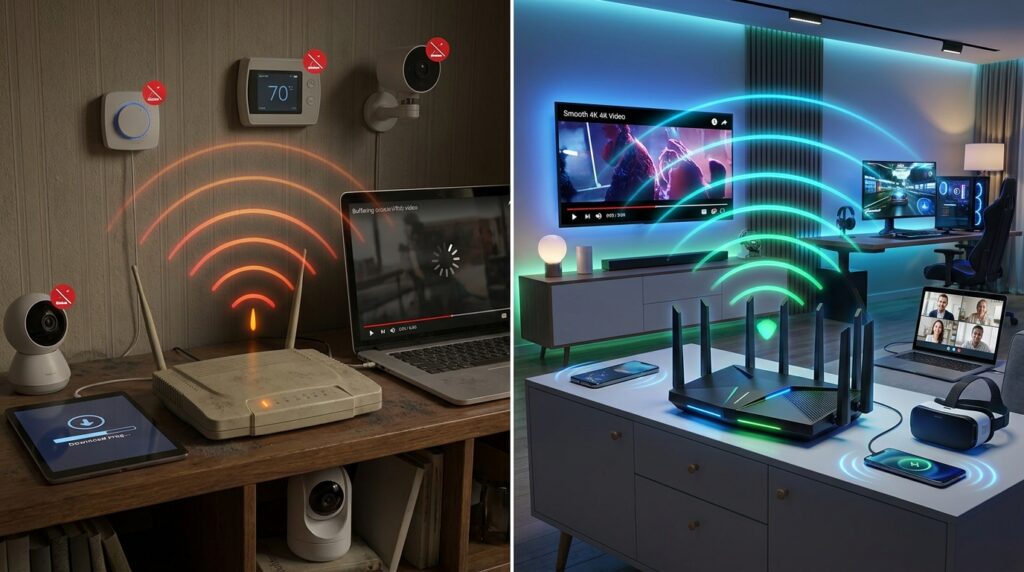
A 2.5 Gbps or faster WAN port matters when your internet plan exceeds 1 Gbps. Extra multi-gigabit LAN ports also help network storage, desktop computers, and wired backhaul.
WPA3 security
WPA3 improves wireless authentication when your devices support it. You should also enable automatic firmware updates, use a unique administrator password, and disable remote administration unless you need it.
Free parental controls
Check which controls are included before buying. Some brands charge monthly or yearly fees for detailed filtering, usage reports, security scanning, or app-based limits.
Wired backhaul
Mesh nodes perform more consistently when connected by Ethernet. Wireless backhaul is easier to install, but its speed and stability depend on distance, walls, and interference.
Final recommendation
The Archer BE770 offers the best balance for a fast, modern single-router setup. Choose the Archer BE3600 for a smaller budget, the Eero 6+ for simple Wi-Fi 6 mesh, or the Deco 7 Pro for broader Wi-Fi 7 coverage. Large properties should consider the Orbi 770, while gamers with several wired devices will get more value from the Asus ROG Strix GS-BE12000.
Start by checking your internet speed, home layout, device compatibility, and required Ethernet ports. Those four details will narrow the field faster than choosing the model with the largest number on its box.
Frequently asked questions
The TP-Link Archer BE770 is the strongest all-around choice in this comparison. It combines fast real-world performance, Wi-Fi 7 support, and useful range without reaching the cost of the most extreme flagship models. Homes with difficult layouts may benefit more from the Deco 7 Pro or Orbi 770.
You don’t need it for basic web browsing or a modest internet plan. It becomes more useful with compatible phones and laptops, multi-gigabit service, heavy local transfers, or a router you plan to keep for several years.
It can improve the speed reaching your devices when the old unit has weak coverage, outdated radios, slow ports, or poor handling of several connections. It cannot increase the maximum speed supplied by your internet provider.
Replace it when it no longer receives security updates, drops connections, can’t support your plan speed, or fails to cover your home. Many households keep a router for several years, but support life matters more than a fixed replacement schedule.
Use an open, central, elevated location. Avoid cabinets, floor-level corners, large metal objects, hot windowsills, and stacks of electronics. Good airflow also helps prevent heat-related performance problems.