The best smart thermostat for home use is the Google Nest Learning Thermostat, Gen 4, for most North American households. It combines automatic scheduling, a polished interface, weather-aware adjustments, and broad HVAC compatibility. Ecobee Premium is a stronger choice when room sensors, Apple Home support, or detailed comfort controls matter more.
| Quick recommendation | Best choice |
| Best overall | Google Nest Learning Thermostat, Gen 4 |
| Best for room sensors | Ecobee Smart Thermostat Premium |
| Best value | Honeywell Home X2S |
| Best lower-cost Ecobee | Ecobee Smart Thermostat Enhanced |
| Best traditional controls | Sensi Touch 2 |
| Best for Alexa households | Amazon Smart Thermostat |
| Best for zoned European heating | Drayton Wiser |
Current comparison guides agree on one key point: compatibility matters more than appearance. A model can have an excellent app and still be wrong for your wiring, HVAC equipment, region, or preferred voice assistant. Recent guides also separate recommendations by budget, zonal control, sensors, ecosystem support, and ease of use.
How We Chose These Models
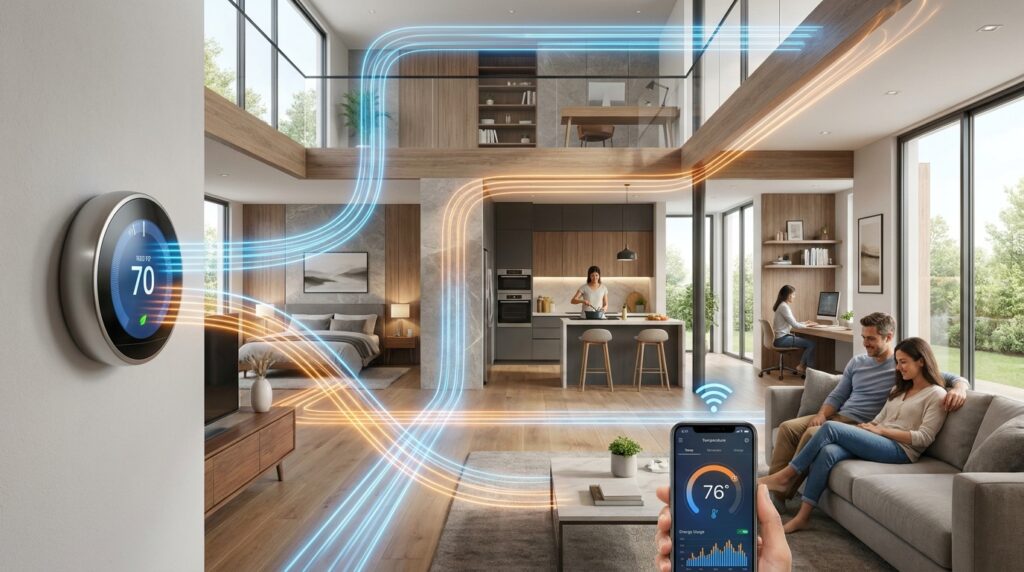
This ranking focuses on the factors that affect daily use after installation:
- HVAC and wiring compatibility
- Scheduling and learning features
- Remote temperature sensors
- App quality and manual controls
- Alexa, Google Home, Apple Home, and Matter support
- Installation requirements
- Regional availability
- Value compared with similarly equipped models
No single device leads every category. The right purchase depends on your heating and cooling system, home layout, household routine, and existing connected devices.
You can find more coverage of connected devices in Techixia’s Smart Home section. The site describes this category as a resource for automation, convenience, security, and energy-efficient technology.
Best Smart Thermostat for Home Use: Our Ranked Picks
1. Google Nest Learning Thermostat, Gen 4: Best Overall
Google’s fourth-generation Nest Learning Thermostat is the strongest all-around choice for households that want automation without constant schedule editing.
Its Smart Schedule feature can suggest temperature changes based on your habits. You can accept or reject those suggestions instead of handing over complete control. It also considers outdoor conditions when managing indoor temperature.
Recent testing guides praise its clear display, simple controls, automatic scheduling, and approachable app. It doesn’t offer true room-by-room zoning, and Apple Home users may prefer Ecobee. Availability is also centered on the United States and Canada.
Pros
- Learns and suggests schedules
- Attractive, readable display
- Strong Google Home integration
- Often works without a dedicated C-wire
- Helpful weather-based adjustments
Cons
- No native zonal control
- Less suitable for Apple-focused homes
- Premium purchase price
- Limited availability outside North America
Verdict: Choose it when you want the easiest balance of automation, design, and everyday control.
2. Ecobee Smart Thermostat Premium: Best for Room Sensors
Ecobee Premium works well in homes where one hallway temperature doesn’t represent every room. Its remote sensors can detect temperature and occupancy in selected areas. That helps the system prioritize bedrooms at night or living spaces during the day. It also supports major smart-home platforms, making it a flexible option for mixed-device households.
Reviewed lists continue to place Ecobee Premium among the leading choices for connected-home features and whole-house comfort. Its higher price makes the most sense when you’ll use the included sensor and broader integrations.
Pros
- Useful remote room sensor
- Broad platform support
- Detailed comfort settings
- Good choice for uneven temperatures
- Strong reporting and scheduling tools
Cons
- Costs more than basic models
- Setup has more options to configure
- Some features may be unnecessary in small homes
Verdict: This is our pick for multiroom comfort and Apple Home users.
3. Honeywell Home X2S: Best Value
The Honeywell Home X2S offers a practical route into connected climate control without a premium price. It supports Matter, Alexa, Google Assistant, and Apple Home. It also provides schedules, humidity readings, app control, vacation settings, and presence-based features. Current reviews place it near the budget end of the market.
Its main compromises are a basic display and no support for remote room sensors. Installation may also be less straightforward than buyers expect, and a C-wire is required.
Pros
- Low entry price
- Matter support
- Works across major ecosystems
- Familiar physical design
- Useful scheduling controls
Cons
- Requires a C-wire
- No room-sensor support
- Setup can be awkward
- Plain appearance
Verdict: Buy it when price and cross-platform support matter more than advanced automation.
4. Ecobee Smart Thermostat Enhanced: Best Midrange Option
The Ecobee Enhanced retains many of the brand’s strongest climate-management features at a lower cost than Premium.
It can adjust settings based on occupancy and local conditions. It also works with optional Ecobee room sensors, which gives you an upgrade path if hot or cold rooms become a problem.
You give up the Premium model’s built-in voice hardware and some added sensors. For many households, that trade creates a better balance between cost and comfort.
Pros
- Cleaner value than the Premium model
- Optional room-sensor support
- Good automation controls
- Broad ecosystem compatibility
Cons
- Sensors may cost extra
- Less feature-rich than Premium
- Still costs more than entry-level devices
Verdict: Pick it when you want Ecobee’s comfort tools without paying for every extra feature.
5. Sensi Touch 2: Best Traditional-Style Controls
Sensi Touch 2 suits people who want modern app functions but don’t want the wall unit to feel unfamiliar. The touchscreen follows a recognizable thermostat layout. Scheduling, remote access, usage information, and optional room sensors add useful connected features without forcing an aggressive learning system.
Reviewed’s current roundup names it the leading traditional-style option. That makes it a sensible choice for households that value clear manual control.
Pros
- Familiar interface
- Clear touchscreen
- Optional room sensors
- Straightforward scheduling
- Good manual control
Cons
- Less automated than Nest
- Design is more functional than distinctive
- Compatibility checks remain essential
Verdict: Choose it for an easy transition from a standard programmable thermostat.
6. Amazon Smart Thermostat: Best for Alexa Homes
Amazon’s model focuses on low-cost automation for households already using Alexa. Voice control, app scheduling, routines, and presence-based adjustments cover the main features many buyers need. Its simple design also makes it less intimidating than feature-heavy premium products.
The biggest limitation is ecosystem dependence. Buyers centered on Apple Home or Google Home should select a more neutral device.
Pros
- Affordable
- Strong Alexa integration
- Simple interface
- Useful routines and scheduling
- Good choice for existing Echo users
Cons
- Limited appeal outside Alexa homes
- No remote room sensors
- Fewer advanced controls
- Wiring requirements must be checked
Verdict: It’s the sensible budget pick for an Alexa-first household.
7. Drayton Wiser: Best for Zoned Heating in the UK
Drayton Wiser is designed for heating systems that benefit from room-by-room control. Compatible radiator valves let you create separate schedules and temperatures for different spaces. That can help households avoid heating unused rooms. It’s particularly relevant to UK homes with radiator-based heating.
TechRadar rates it as a leading budget choice for its market and praises its zonal capabilities. It isn’t intended for typical North American forced-air systems.
Pros
- Strong room-by-room control
- Works with smart radiator valves
- Useful for homes with cold spots
- Flexible heating schedules
- Good value compared with some zoned systems
Cons
- Mainly intended for the UK
- Extra valves increase total cost
- Basic industrial design
- Not suitable for every heating system
Verdict: Select it for affordable zoned radiator control in a compatible UK home.
Comparison Table
| Model | Best for | Room sensors | Main ecosystem strength | Key limitation |
| Nest Learning Thermostat, Gen 4 | Most households | Limited | Google Home | No true zonal control |
| Ecobee Premium | Multiroom comfort | Included | Broad, including Apple | Higher price |
| Honeywell Home X2S | Budget buyers | No | Matter and major platforms | C-wire required |
| Ecobee Enhanced | Midrange comfort | Optional | Broad compatibility | Sensors cost extra |
| Sensi Touch 2 | Familiar controls | Optional | Multi-platform | Less automatic |
| Amazon Smart Thermostat | Alexa users | No | Alexa | Narrower ecosystem fit |
| Drayton Wiser | Zoned UK heating | Radiator controls | Wiser ecosystem | Region and system limits |
Check Compatibility Before Buying
Start with your HVAC system, not the thermostat’s feature list. Check whether your home uses a furnace, heat pump, boiler, baseboard heating, underfloor heating, or a multistage system. Product compatibility tools can then confirm whether the controller supports your equipment.
Next, inspect the existing wiring. Many models need a common wire, called a C-wire, for continuous power. Some include an adapter, while others can operate without one in supported systems.
You should also confirm:
- The model is officially sold in your country.
- Your preferred voice assistant is supported.
- Remote sensors work with that exact model.
- Your utility offers a rebate.
- The device can control every heating or cooling stage.
- Professional installation won’t erase the expected savings.
Matter support can make platform compatibility easier, but it doesn’t guarantee HVAC compatibility. Current buying guides recommend checking both regional and heating-system requirements before purchase.
For broader device research, Techixia’s Technology coverage collects gadget and connected-product topics. Its Apps section is also a useful future link target for thermostat companion-app guides.
Explore more smart home devices to make your home smarter and more efficient.
Do Smart Thermostats Save Money?
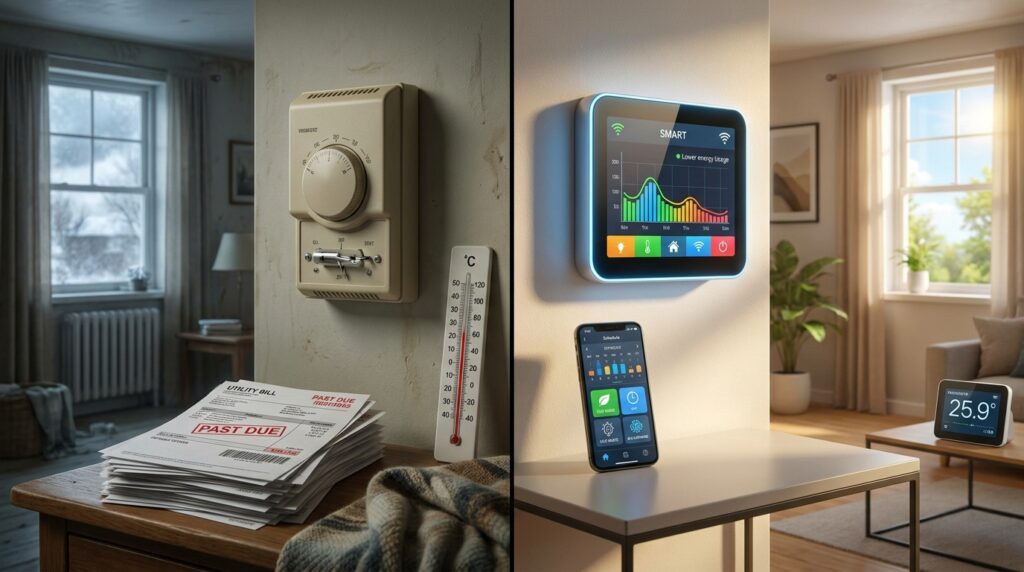
They can reduce wasted heating and cooling, but no device can guarantee a fixed bill reduction. Savings depend on your previous schedule, climate, insulation, energy prices, HVAC efficiency, and household habits. A person who already follows a strict energy-saving schedule may see a smaller change than someone who leaves the system running all day.
The most useful money-saving features are:
- Automatic away settings
- Consistent weekly schedules
- Temperature setbacks during sleep
- Energy-use reports
- Weather-aware adjustments
- Room sensors that reduce hot and cold spots
- Utility demand-response programs
Treat projected savings as an estimate rather than a purchase guarantee. The best financial case comes from choosing a compatible model, using its scheduling features, and checking for a local rebate.
Which One Should You Buy?
For most North American households, choose the Google Nest Learning Thermostat, Gen 4. It offers the strongest balance of automatic scheduling, usability, display quality, and day-to-day convenience.
Choose Ecobee Premium instead when room sensors or Apple Home support are central to your setup. Select Honeywell Home X2S when you need a lower purchase price and broad platform support.
UK buyers with radiator heating should consider Drayton Wiser, especially when different rooms need different schedules.
Before ordering, run the manufacturer’s compatibility checker and photograph your current wiring. That five-minute check can prevent a return, an installation delay, or an unexpected electrician’s bill.
If you want to know about Best Home WiFi Router then please visit our Smart Home category.
Frequently Asked Questions
Google Nest Learning Thermostat, Gen 4, is the best all-around option for many North American homes. Ecobee Premium is better for room sensors, Apple Home integration, and households with uneven temperatures.
It depends on the model and HVAC system. Several devices require continuous C-wire power. Others may work without one or include a power adapter. Always use the manufacturer’s compatibility checker before purchase.
Nest is better for automatic learning and simple daily use. Ecobee is better for remote room sensors, detailed comfort settings, and broader smart-home compatibility.
Many homeowners can replace a compatible low-voltage thermostat. Stop and contact an HVAC professional when the wiring is unclear, the system uses high voltage, or the compatibility tool gives an uncertain result.
They can be, especially when remote control and scheduling solve a real problem. A basic model may offer better value than a premium device with sensors you won’t use.
Most models still allow basic temperature changes from the wall. Remote access, voice commands, weather data, and some automation features may remain unavailable until the connection returns.