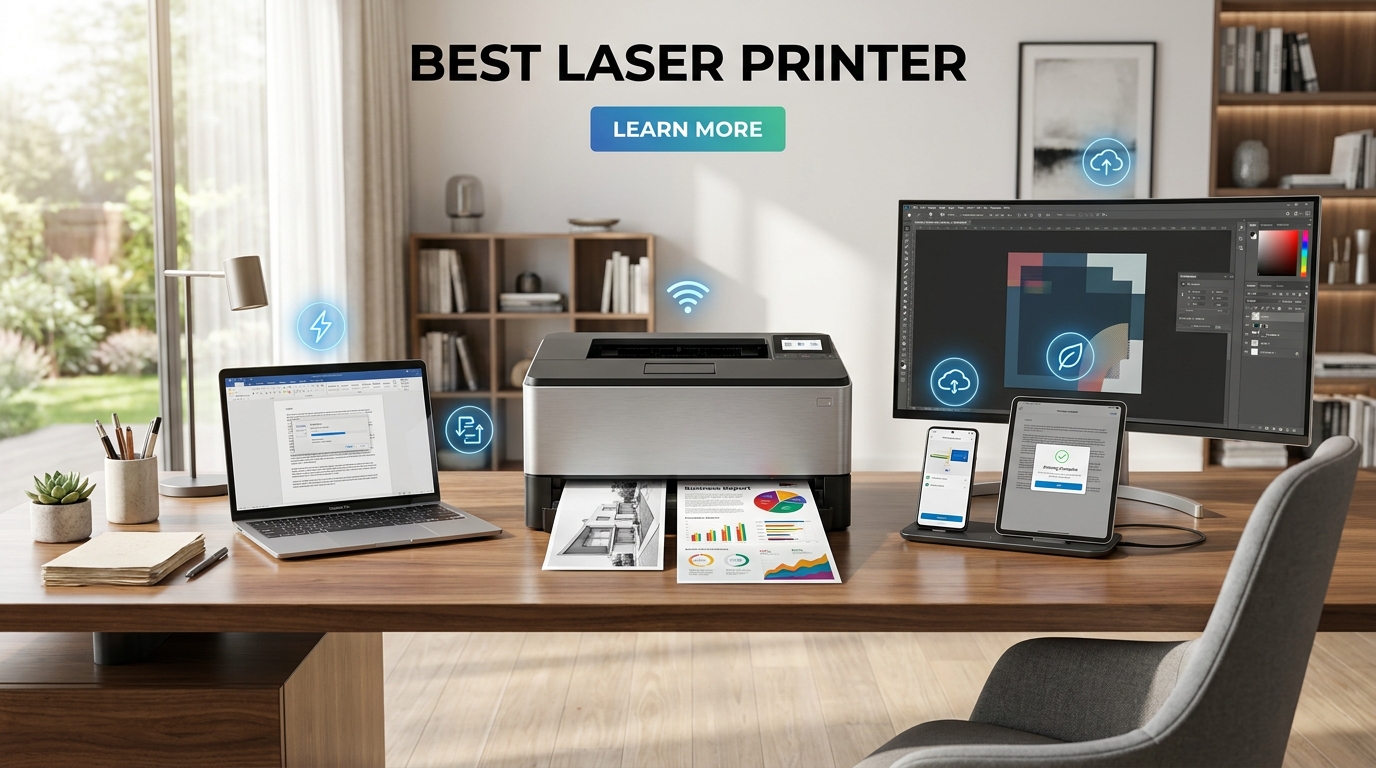
The best laser printer for most busy offices is the Brother MFC-L8930CDW. It combines fast color output, automatic two-sided scanning, flexible networking, and high-capacity toner options. Smaller offices may prefer the Canon Color imageCLASS MF665Cdw, while home users who only need black-and-white documents can save money with the Brother HL-L2460DW.
Laser models make the most sense when you print text documents regularly and value speed, sharp output, and low maintenance. They’re less suitable for glossy photographs or unusual craft materials.
| Category | Recommended model | Best suited to | Key consideration |
| Best overall | Brother MFC-L8930CDW | Busy offices and workgroups | Large and relatively expensive |
| Best compact color all-in-one | Canon Color imageCLASS MF665Cdw | Home offices and small teams | Slower than larger business models |
| Best monochrome all-in-one | Brother MFC-L2820DW | Forms, invoices, contracts, and scanning | No color printing |
| Best budget model | Brother HL-L2460DW | Basic home and document printing | No scanner or copier |
| Best color model for home | Brother HL-L3280CDW | Schoolwork and everyday color documents | Print-only design |
| Best fast monochrome office model | HP LaserJet Pro 4001dn | High-volume text printing | Wired networking rather than built-in Wi-Fi |
| Best versatile color alternative | Canon Color imageCLASS MF753Cdw | Reports, presentations, and small offices | Toner costs can be significant |
Our verdict
Choose the Brother MFC-L8930CDW if several people will share the machine, or you routinely print and scan long documents. Choose the Canon MF665Cdw when you want color and multifunction features in a smaller workspace. For simple black-and-white home printing, the Brother HL-L2460DW provides the strongest balance of speed, duplexing, and cost.
How We Chose the Best Laser Printer Models
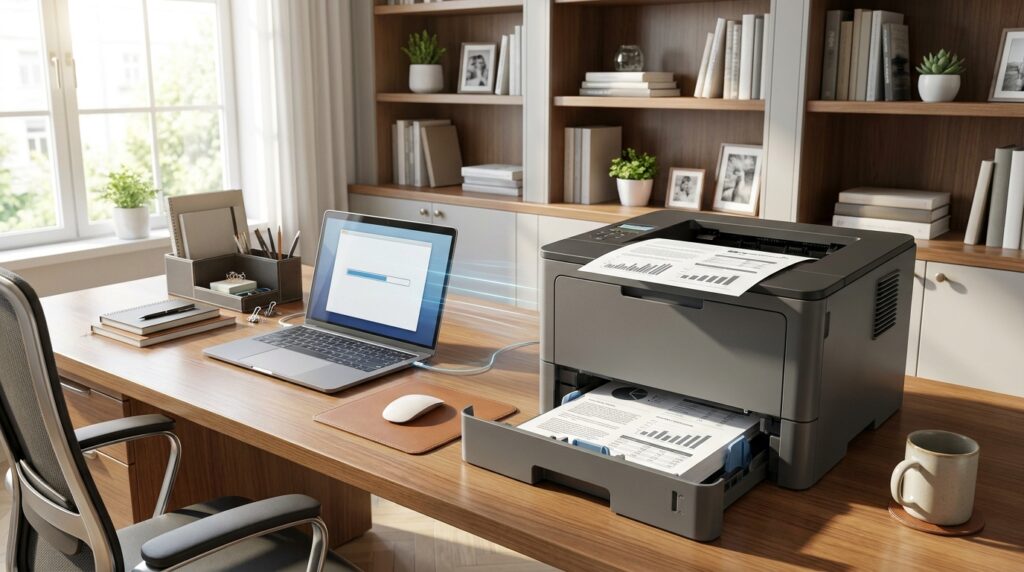
This guide prioritizes the factors that affect everyday ownership rather than focusing on a single headline specification.
We compared:
- Black-and-white and color print speeds
- Automatic duplex printing
- Scanning and copying functions
- Automatic document feeder capabilities
- Wi-Fi, Ethernet, and mobile connectivity
- Toner capacity and maintenance requirements
- Physical size and intended monthly workload
- Independent testing and current product availability
RTINGS currently ranks the Brother MFC-L8930CDW first in its category after standardized testing. Its lower-priced recommendations include the Canon MF665Cdw, Brother MFC-L2820DW, and Brother HL-L2460DW.
WIRED reaches a different conclusion for regular home use. Its reviewer favors the smaller Brother HL-L3280CDW for most households and the HL-L2460DW for black-and-white printing. That difference reflects an important point: the right model depends on workload, space, and required functions.
1. Brother MFC-L8930CDW: Best Overall
The Brother MFC-L8930CDW is our top pick for a shared office that prints a steady mix of black-and-white and color documents.
It produces up to 34 pages per minute and includes a flatbed scanner plus an automatic feeder with single-pass duplex scanning. That means it can scan both sides of a page in one pass instead of pulling each sheet through twice.
Brother supports Gigabit Ethernet, dual-band Wi-Fi, and USB connectivity. High-yield toner choices are available, while the separate drum is rated for a much longer replacement cycle than a standard cartridge.
Pros
- Fast black-and-white and color output
- Single-pass two-sided scanning
- Strong wired and wireless networking
- High-capacity toner options
- Suitable for shared workgroups
Cons
- Takes up considerable desk space
- More machine than an occasional home user needs
- Photographs lack the detail of a good inkjet
Best for: Businesses, professional offices, and teams handling large batches of reports, forms, and scanned documents.
2. Canon Color imageCLASS MF665Cdw: Best Compact Color All-in-One
The Canon Color imageCLASS MF665Cdw is easier to fit into a home office while retaining the functions most business users need.
It prints, copies, scans, and faxes. Canon rates it at up to 26 pages per minute, with a 250-sheet cassette and a 50-sheet automatic document feeder. It also supports automatic duplex operation and output resolutions up to 1,200 by 1,200 dpi.
Connectivity includes Wi-Fi, Wi-Fi Direct, Gigabit Ethernet, and USB. A five-inch color touchscreen gives it a more approachable control system than models with small text displays.
Pros
- Color printing, scanning, copying, and faxing
- Compact for its feature set
- Large color touchscreen
- Strong network and security options
- Integrated cartridge and drum design simplifies replacement
Cons
- 26-page-per-minute speed trails larger office machines
- Color toner increases ownership costs
- Too heavy for a light shelf
Best for: Remote professionals and small teams that need polished color documents without buying a large workgroup machine.
Techixia readers interested in connected office equipment can also browse the site’s broader technology coverage.
3. Brother MFC-L2820DW: Best Monochrome All-in-One
Many offices don’t need color. They need contracts, invoices, shipping documents, and forms printed quickly and clearly.
The Brother MFC-L2820DW handles those jobs while adding scanning, copying, and faxing. Independent testing found that it produces sharp documents, warms up quickly, and reaches approximately 33 pages per minute.
The machine supports Wi-Fi, Ethernet, and USB. Its automatic document feeder is useful for scanning multi-page files, though it does not offer the single-pass duplex scanning found on the more expensive MFC-L8930CDW.
Pros
- Strong document quality
- Fast black-and-white printing
- Scanner, copier, and fax included
- Affordable high-yield toner available
- Flexible connectivity
Cons
- No color output
- No single-pass duplex scanning
- Basic display and controls
Best for: Accountants, property managers, legal offices, and households that frequently print text but rarely need color.
4. Brother HL-L2460DW: Best Budget Choice
The Brother HL-L2460DW removes scanning, copying, faxing, and color printing. In return, you get a compact and dependable document machine.
It reaches up to 34 pages per minute, includes automatic duplex printing, and supports Wi-Fi, Ethernet, and USB. RTINGS praises its fast output and low maintenance requirements, while WIRED highlights it as a strong grayscale workhorse.
Brother includes a starter toner cartridge rated for about 700 pages and a separate drum rated for approximately 15,000 pages. Actual yield will vary with page coverage and print settings.
Pros
- Low purchase cost
- Fast for a compact device
- Automatic two-sided printing
- Wired and wireless networking
- Straightforward controls
Cons
- No scanner or copier
- Black-and-white output only
- Initial wireless setup may require patience
Best for: Students, home users, warehouses, and small businesses that mainly print labels, letters, forms, or coursework.
5. Brother HL-L3280CDW: Best Color Model for Home Use
The Brother HL-L3280CDW is a good match for households that print school assignments, charts, schedules, and occasional color handouts.
WIRED selected it as its preferred option for most home users, citing consistent connectivity, quick printing, and low day-to-day maintenance. The machine supports Wi-Fi, Ethernet, and USB and carries a 250-sheet input tray.
Its touchscreen makes setup and error messages easier to manage. The tradeoff is that this is a print-only model. You’ll need another device for scanning and copying.
Pros
- Reliable everyday color output
- Useful touchscreen controls
- Automatic duplex printing
- Multiple connection methods
- Smaller than a workgroup all-in-one
Cons
- No scanner, copier, or fax
- Color gradients can show banding
- Not intended for high-quality photographs
Best for: Families, teachers, and home workers who need color documents but don’t need an integrated scanner.
For more connected-home ideas, Techixia’s smart-home section provides a natural next stop.
6. HP LaserJet Pro 4001dn: Best for Fast Office Documents
The HP LaserJet Pro 4001dn is built for offices that care more about fast text output than color or scanning.
HP rates this series at up to 42 pages per minute. It includes automatic duplex printing, a 250-sheet input tray, a 100-sheet multipurpose tray, Gigabit Ethernet, and security features designed for business networks.
The “dn” version is best for offices where Ethernet is already available. Buyers who need wireless connectivity should check the exact model suffix before ordering because features vary across the series.
Techixia’s editorial approach emphasizes researched, practical explanations that help readers make informed decisions. You can learn more on the About Techixia page.
Pros
- Very fast black-and-white output
- Automatic duplexing
- Expandable paper handling
- Business network and security support
- Compact compared with color multifunction units
Cons
- No color printing
- No built-in scanner
- This configuration lacks the wireless flexibility of Wi-Fi variants
Best for: Administrative departments, reception desks, and businesses printing large batches of standard documents.
7. Canon Color imageCLASS MF753Cdw: Best Versatile Alternative
The Canon Color imageCLASS MF753Cdw remains a capable option for offices that want color output, document scanning, copying, and faxing in one unit.
It supports Wi-Fi, Ethernet, USB, mobile printing, automatic duplexing, and an automatic document feeder. Current reviews report print speeds of about 35 pages per minute and crisp output for business graphics and presentations.
Its main drawback is ownership cost. Four toner colors can be expensive to replace, especially when users print full-page graphics.
Pros
- Fast color and monochrome output
- Duplex printing and scanning
- Full multifunction feature set
- Good connectivity
- Clear controls and touchscreen navigation
Cons
- Higher toner expense
- Large and heavy
- Excessive for occasional printing
Best for: Small businesses producing client reports, internal presentations, brochures, and frequent scanned records.
Techixia’s AI tools coverage may also help readers looking to streamline document creation before sending files to print.
Which Type Should You Buy?
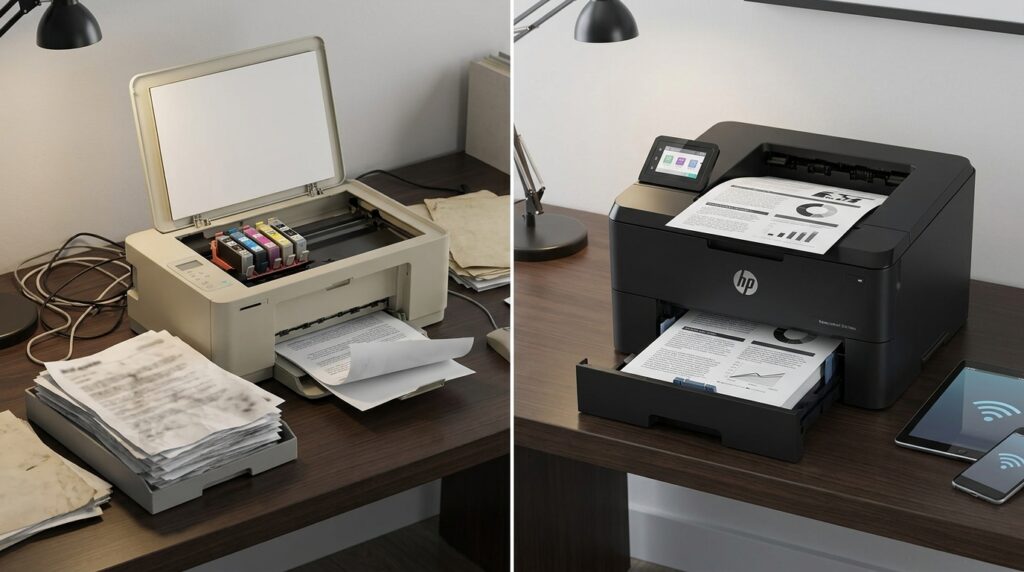
Your workload should determine the machine, not the longest feature list.
Buy a monochrome model when:
- Most pages contain text
- You rarely print charts in color
- Speed and low running costs matter
- You already own a scanner
- Several users print invoices, forms, or shipping labels
Buy a color model when:
- Reports need colored charts or branding
- Students print educational materials
- You produce presentations or handouts
- You need color output that won’t smudge easily
Buy an all-in-one when:
- You regularly scan multi-page documents
- Your office still uses fax
- Space is limited
- You want one device for printing, copying, and scanning
A print-only model is usually cheaper and simpler. An all-in-one saves space and avoids buying separate equipment.
Features That Matter Most
Automatic duplex printing
Duplexing prints both sides of each sheet without manual flipping. It reduces paper use and makes reports look more professional.
Automatic document feeder
An ADF lets you scan or copy a stack of pages. Single-pass duplex scanning is even better because both sides are captured during one feed.
Toner yield
Don’t compare cartridge prices alone. Divide the cartridge cost by its stated page yield to estimate cost per page.
Manufacturer yields follow standardized test patterns. Your results can differ when documents contain heavy graphics, shaded backgrounds, or large areas of color.
Paper capacity
A 250-sheet tray holds roughly half a standard ream of paper. Busy teams may need an extra tray or a larger built-in capacity.
Connectivity
Wi-Fi is convenient for homes and flexible workspaces. Ethernet is often more stable for shared business machines. USB provides a direct connection for one nearby computer.
Physical size
Color multifunction devices can be heavy. Measure the intended surface, including space needed to open trays, lift the scanner lid, and reach the rear panel.
Laser Versus Inkjet
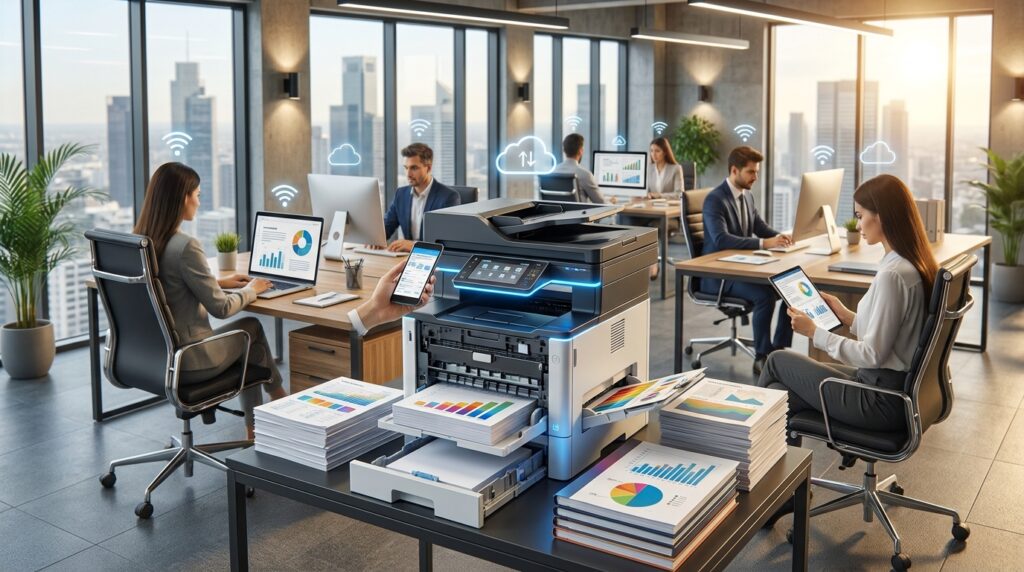
A toner-based machine is usually a better fit for frequent document printing. Text appears crisp, output is fast, and toner doesn’t dry inside a cartridge during long periods of inactivity.
Inkjet and ink-tank models are often better for photographs, borderless prints, craft media, and subtle color gradients. WIRED’s printer reviewer still recommends ink-tank machines for many home users because of their media flexibility and photo quality.
Choose based on what you print most often:
| Primary use | Better choice |
| Contracts, forms, labels, and reports | Laser |
| Glossy photographs | Inkjet or ink tank |
| High-volume black-and-white text | Monochrome laser |
| Schoolwork with occasional color charts | Color laser or ink tank |
| Stickers and specialty craft media | Inkjet |
| Shared office scanning and copying | Multifunction laser |
Final Recommendation
The Brother MFC-L8930CDW is the most complete choice for a productive office. It earns that position through speed, strong scanning, flexible connectivity, and support for larger workloads.
Choose the Canon MF665Cdw when space matters, and you still need color, scanning, copying, and faxing. Pick the Brother MFC-L2820DW for a black-and-white multifunction setup. For the lowest-cost route to dependable document printing, buy the Brother HL-L2460DW.
Before ordering, check the machine’s dimensions and current toner prices. Those two details often reveal whether a seemingly attractive model will fit your workspace and budget.
Apart from that, if you want to know about the article 4Runner Generations, then visit our Technology category.
Frequently Asked Questions
The Brother MFC-L8930CDW is the strongest all-around choice for a busy shared office. It offers color output, quick printing, single-pass duplex scanning, several connection options, and high-yield supplies. A smaller office may get better value from the Canon MF665Cdw.
Brother models often compete well on toner value, simple maintenance, and practical office features. HP offers several fast business models with strong network management. Compare specific machines rather than choosing only by brand.
They can be cheaper for frequent text printing, especially when high-yield cartridges are available. Ink-tank printers may have a lower cost per page in some situations. Calculate supply cost, stated yield, drum replacements, and expected monthly volume before buying.
Color is worth paying for when reports, charts, school materials, or client documents depend on it. A monochrome unit costs less to own when nearly every page contains black text.
They can produce acceptable images for reports and presentations, but they aren’t the first choice for photographs. Toner output tends to lose subtle detail and smooth color gradients compared with a capable inkjet.
An unopened cartridge can remain usable for a long period when stored according to the manufacturer’s instructions. Installed-cartridge life depends mainly on page coverage, print settings, and volume rather than the passage of time.