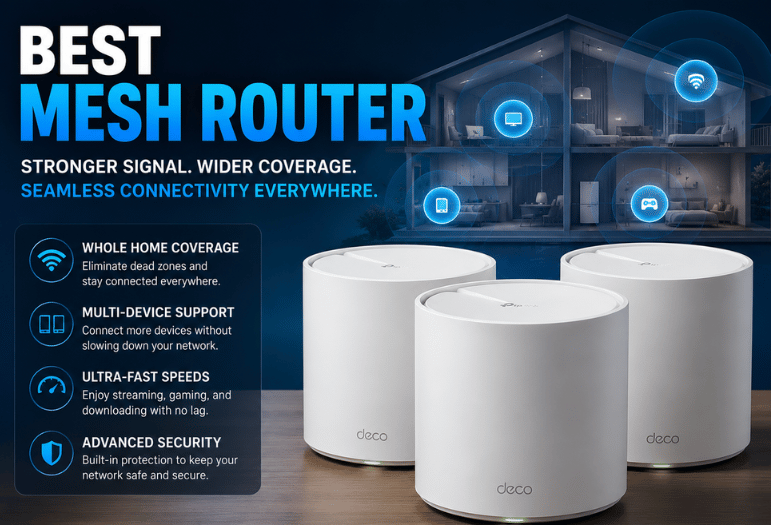
If you want the best mesh router for a typical home in 2026, start with the TP-Link Deco BE63. It offers a strong balance of speed, range, multi-gig Ethernet, and cost. The right choice still depends on your home size, internet plan, wiring, and software needs.
If you have different needs, please direct answer: For most households in 2026, the TP-Link Deco BE63 is the strongest all-around choice. Current testing from RTINGS and TechRadar favors it for its Wi-Fi 7 performance, long-range speeds, four 2.5GbE ports per unit, and reasonable value against pricier premium systems. Buyers with different needs should consider the alternatives below.
Takeaways
- TP-Link Deco BE63: strongest balance for most households.
- Asus ZenWiFi BQ16 Pro: a better fit when maximum performance matters more than price.
- Netgear Orbi 770: built around broad coverage and multi-gig networking.
- TP-Link Deco XE75: useful Wi-Fi 6E value option if Wi-Fi 7 is unnecessary.
- Eero 6+: simple Wi-Fi 6 choice for lower-cost installations.
| System | Wireless standard | Wired connectivity | Best fit | Main drawback |
| TP-Link Deco BE63 | Wi-Fi 7, tri-band | 4 × 2.5GbE per unit | Best balance | Premium features can add subscription costs |
| Asus ZenWiFi BQ16 Pro | Wi-Fi 7, quad-band | Multi-gig networking | Maximum performance | Expensive for ordinary broadband plans |
| Netgear Orbi 770 | Wi-Fi 7, tri-band | 2.5GbE | Large homes | Large kits can be unnecessary |
| TP-Link Deco XE75 | Wi-Fi 6E, tri-band | 3 × Gigabit per unit | Wi-Fi 6E value | Gigabit Ethernet limits multi-gig use |
| Eero 6+ | Wi-Fi 6, dual-band | Gigabit Ethernet | Simplicity and value | No 6GHz band |
How We Picked the Best Mesh Router for 2026
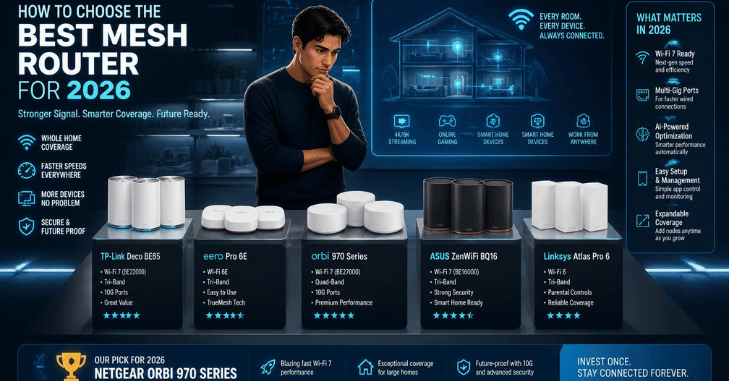
This ranking does not claim that Techixia performed laboratory testing. It combines recent independent testing with current manufacturer specifications. Best Mesh Router, That distinction matters because current reviewers do not agree on one winner.
RTINGS and TechRadar favor the Deco BE63, while Tom’s Guide puts the Asus ZenWiFi BQ16 Pro first. Those differences reflect testing methods, priorities, and price considerations. Based on five practical factors: wireless performance, range, Ethernet connectivity, software tradeoffs, and value for the intended user.
1. TP-Link Deco BE63: Best for Most Homes
The Deco BE63 is the safest starting point for households replacing an older mesh setup. It is a tri-band Wi-Fi 7 system with 2.4 GHz, 5 GHz, and 6 GHz radios. Each unit includes four 2.5GbE ports. TP-Link also supports Multi-Link Operation and combined wired and wireless backhaul.
Currently, it ranks the BE63 first among its tested mesh systems. TechRadar also names it its leading overall choice. That agreement makes the BE63 easier to recommend for buyers who want current technology without moving into the most expensive tier. * Wi-Fi 7, strong range, four 2.5GbE ports per unit, flexible backhaul.
Cons: Slower internet plans will not use all that capacity. TP-Link also reserves some advanced HomeShield capabilities for paid plans. Best ZenWiFi BQ16 Pro: Best for Maximum Performance
The BQ16 Pro targets homes where raw wireless performance matters more than price. It is a quad-band Wi-Fi 7 platform with four spatial streams on each band and support for 320MHz channels. Asus rates it as a BE30000-class system. ide currently ranks the BQ16 Pro as its top mesh system. Its testing recorded a throughput of 2.620 Gbps at 15 feet and 100 feet. * High-end Wi-Fi 7 hardware, strong measured performance, and broad feature set.
Cons: difficult to justify if your broadband connection or devices cannot use its extra capacity.
3. Netgear Orbi 770: Best for Large Homes
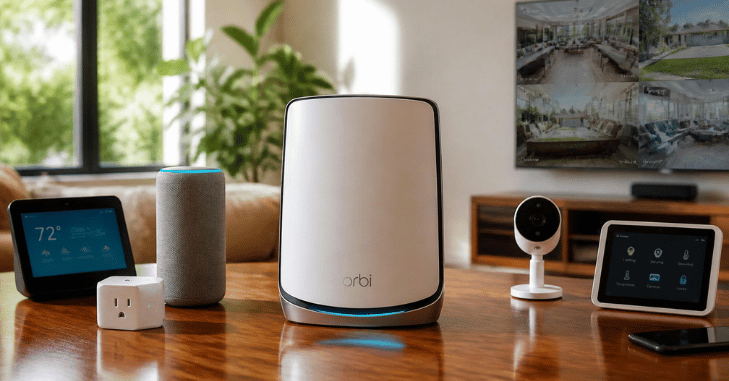
The Orbi 770 is a strong candidate when coverage is the primary concern. Netgear rates the three-unit system for up to 8,000 square feet and 100 connected devices. It uses tri-band Wi-Fi 7 and supports 2.5Gbps internet, wired connections, and wired backhaul. Real coverage depends on construction, interference, and node placement. * Broad manufacturer-rated coverage, Wi-Fi 7, multi-gig Ethernet, flexible backhaul.
Cons: buying three units for a small home may increase cost without improving the network.
4. TP-Link Deco XE75: Best Wi-Fi 6E Value
Wi-Fi 7 is not necessary for every home. The Deco XE75 uses Wi-Fi 6E and adds the 6 GHz band to its 2.4 GHz and 5 GHz radios. Each unit has three Gigabit Ethernet ports. TP-Link rates a three-unit setup for up to 7,200 square feet, though actual range varies. Recommends the closely related XE5300, a three-pack variant of the XE75, as its current mid-range choice. * 6GHz support, good mid-range performance, expandable Deco ecosystem.
Cons: Gigabit Ethernet becomes restrictive for internet or local networking above 1Gbps.
5. Eero 6+: Best for Simple, Lower-Cost Setup
Eero 6+ makes more sense when ease of use matters more than premium Wi-Fi 7 features. It is a dual-band Wi-Fi 6 system with support for 160MHz channels. Eero says one unit covers up to 1,500 square feet and supports more than 75 connected devices. Based on management, it is straightforward, while optional Eero Plus services add extra security and network tools.
Pros: simple management, compact hardware, and 160 MHz Wi-Fi 6 support.
Cons: no 6 GHz band, and advanced software features can involve a subscription.
Wi-Fi 7 Is Useful, but You May Not Need It
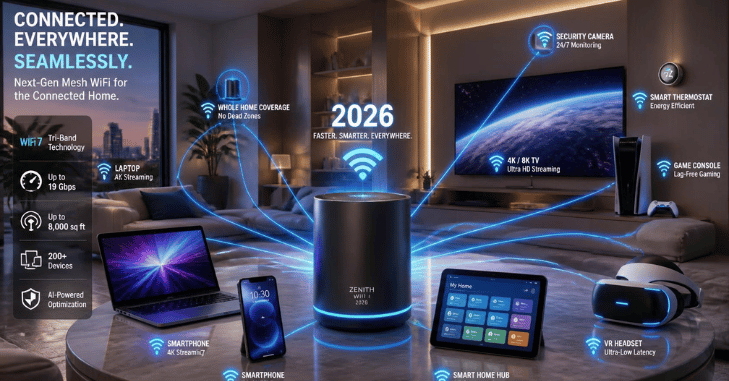
Wi-Fi 7 makes the most sense if you have new compatible devices, multi-gig internet, or plan to keep your network hardware for years to come. A household using a 300Mbps or 500Mbps internet plan does not need 10GbE ports to reach its subscribed internet speed. Better coverage and node placement may make a larger difference. Wi-Fi 6E also remains useful because its 6 GHz band can reduce congestion for compatible devices. For a closer look at this, see What Is A Hotspot.
Wired Backhaul Can Matter More Than the Router Upgrade
Mesh nodes must communicate with each other as well as your phones, laptops, televisions, and other devices. A wired Ethernet connection between nodes removes the need to carry all backhaul traffic wirelessly. This can improve consistency and preserve more wireless capacity for client devices. If your home already has Ethernet cabling, prioritize systems with enough Ethernet ports and appropriate port speeds.
How Many Mesh Nodes Do You Need?
More nodes are not automatically better. Start with the smallest kit likely to cover your home. Add another unit only when placement adjustments cannot solve the remaining weak area.
Before buying:
- Identify the rooms with poor signal.
- Check the speed of your internet plan.
- See whether Ethernet backhaul is available.
- Count the multi-gig wired devices you expect to connect.
- Check which security or parental-control features require subscriptions.
Place satellites where they still receive a strong signal from the main unit. A satellite placed deep inside an existing dead zone has less useful bandwidth to redistribute.
When Is a Single Router the Better Choice?

Mesh makes the most sense when one access point cannot cover the property reliably. A small apartment or compact one-story home may perform well with one properly positioned router. Spending more on several nodes can add complexity without solving a real problem. Ethernet also remains the preferred connection for stationary devices that need consistent latency, such as gaming PCs and consoles.
Final Verdict and Next Step
For most households, the best mesh router choice is the TP-Link Deco BE63. It combines current Wi-Fi 7 features, strong independent test results, and useful 2.5GbE connectivity without requiring the highest-end hardware.
Choose the Asus BQ16 Pro if maximum performance is the priority. Consider Orbi 770 for a large property, Deco XE75 for Wi-Fi 6E value, or Eero 6+ for a simpler, lower-cost setup.
Before you buy, map your weak rooms, check your internet speed, and determine whether Ethernet backhaul is possible. Then choose the least expensive system that solves those specific problems rather than paying for specifications you will not use.
Apart from that, if you want to read more articles like this,how to improve WiFi signal then visit Techixia’s Smart Home category.
Frequently Asked Questions
The TP-Link Deco BE63 is the strongest current all-around choice based on a combination of recent independent recommendations, Wi-Fi 7 support, long-range performance, and four 2.5GbE ports per unit. RTINGS and TechRadar both currently place it first in their respective mesh guides. Is the Wi-Fi 7 worth buying in 2026?
It can be. Wi-Fi 7 is easier to justify with compatible devices, multi-gig broadband, or a long upgrade cycle. Wi-Fi 6 and 6E remain adequate for many households.
Yes, if cabling is practical. Wired backhaul gives mesh nodes a dedicated wired path and reduces their dependence on wireless communication between units.
Not necessarily. Home size alone does not determine node count. Walls, floors, construction materials, router placement, and interference can change coverage substantially.