If you’re asking what a hotspot is, the simple answer is that it gives nearby devices a way to reach the internet wirelessly. You might use one at an airport, turn your phone into one while traveling, or carry a dedicated device for work.
A hotspot is a place or device that provides nearby phones, laptops, tablets, and other devices with internet access over Wi-Fi. A public access point usually connects to fixed broadband. A mobile version uses a phone or portable device to share a cellular data connection, often through Wi-Fi, USB, or Bluetooth.
| Key point | What it means |
|---|---|
| Main purpose | Gives nearby devices internet access |
| Common connection | Wi-Fi |
| Mobile internet source | 4G or 5G cellular data |
| Common devices | Smartphones, tablets, laptops, dedicated portable units |
| Other connection methods | USB and Bluetooth tethering |
| Data use | Usually counts against your cellular plan when using a mobile connection |
| Best uses | Travel, remote work, backup internet, temporary connections |
| Main concern | Data limits, battery use, signal quality, and network security |
How Does a Hotspot Work?
A wireless access point sits between your device and the internet. Your laptop or tablet connects to that local wireless network, and the access point sends internet traffic back and forth. The source of that internet connection depends on the setup.
A café or airport Wi-Fi network may use a regular broadband connection and a router. A mobile hotspot usually relies on a cellular network. Your phone receives data from its carrier and then shares that connection with nearby devices.
Apple describes Personal Hotspot as a temporary portable Wi-Fi network created from an iPhone or cellular-capable iPad. Google likewise says Android phones can share mobile data through Wi-Fi, Bluetooth, or USB.
Think of the process as a short chain:
Internet provider or cellular network → access device → Wi-Fi connection → your laptop, tablet, or other device.
That means the quality of your connection still depends on the original internet source. A strong Wi-Fi signal from your phone can’t fix a weak cellular connection.
What Types of Hotspots Are There?
The term can refer to several related setups. Knowing the difference helps you choose the right connection.
Public Wi-Fi
Public wireless networks are common in airports, hotels, cafés, libraries, and other shared spaces. They usually connect to a fixed internet service via networking equipment on-site.
These networks can be useful when you want to save cellular data. Their speed and security can vary because many people may share the same connection.
Smartphone tethering
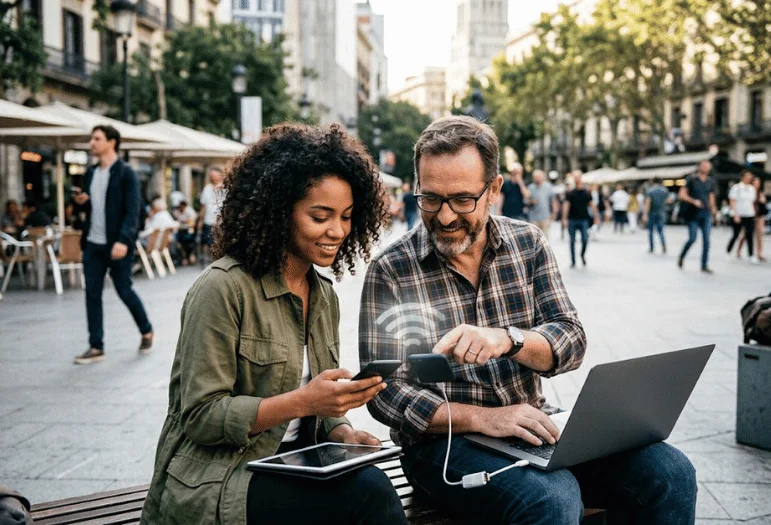
Most current smartphones can share their mobile data connection. Once enabled, your phone behaves much like a small wireless router.
This is useful when your laptop has no internet connection, but your phone has cellular service. It’s also convenient because you don’t need another piece of hardware.
Android and iPhone devices may also support USB or Bluetooth tethering. A wired USB connection can be useful when you want a direct link between a phone and computer.
Dedicated portable devices
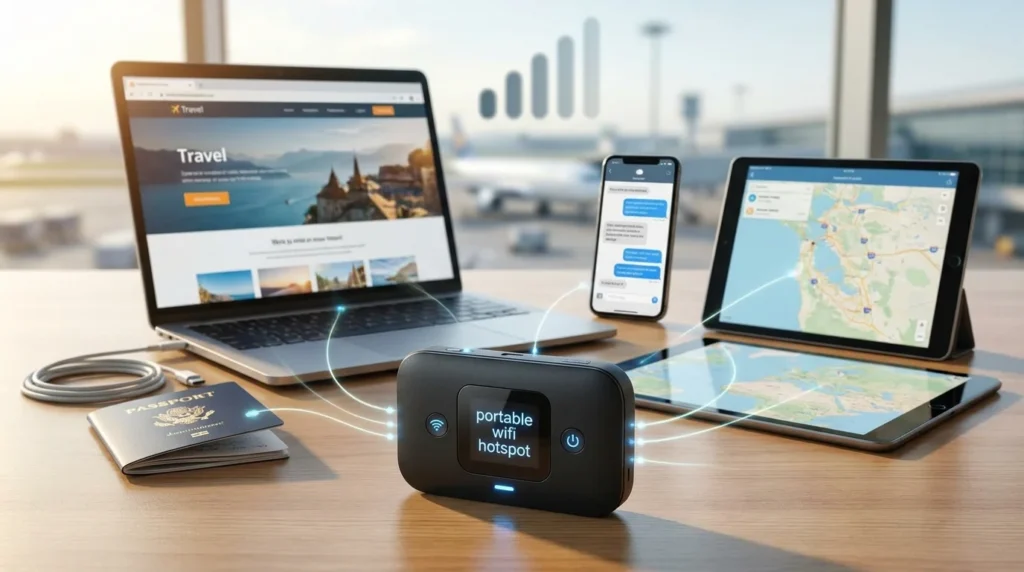
A dedicated mobile unit uses a cellular connection but is primarily designed to share internet access. This option can make sense for frequent travelers, remote workers, or families that often connect several devices away from home. It also keeps your phone free for calls and other tasks. Before buying extra hardware, compare it with your phone’s existing tethering features and cellular plan.
Does a Mobile Connection Use Your Phone Data?
Yes. When your phone shares its cellular connection, traffic from connected devices normally uses the phone’s mobile data allowance. Your laptop can also consume data much faster than casual phone browsing. Operating-system updates, cloud backups, video calls, streaming, and large downloads may use significant amounts of data.
Google notes that carriers may limit tethering or charge differently for it, so US users should check the terms of their wireless plan before depending on it regularly. You can reduce unnecessary usage by pausing cloud synchronization, delaying large updates, lowering streaming quality, and disconnecting devices you aren’t using.
How Fast Is a Mobile Connection?
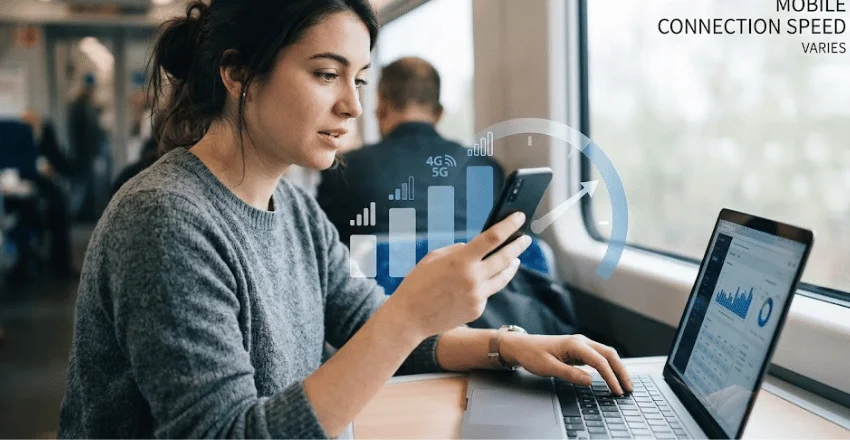
There isn’t one fixed speed. Performance depends on your cellular signal, carrier network, network congestion, device hardware, Wi-Fi band, location, and the number of connected devices. A fast 5G connection may deliver strong performance in one area but slow down significantly in another with weak coverage.
Distance also matters. Keep the device providing the connection near the laptop or tablet you’re using. If poor performance happens mainly on your home network, a cellular connection may not be the right fix. Techixia’s guide on how to improve WiFi signal at home covers router placement, interference, frequency bands, and coverage problems.
For a permanent home connection, you may also want to compare equipment in Techixia’s best home WiFi router guide.
What Is a Hotspot vs. Wi-Fi?
Wi-Fi and an internet access point are related, but they aren’t the same thing. Wi-Fi is a wireless networking technology. It lets compatible devices exchange data over a local wireless connection.
The access point is the device or location providing the connection to the internet. Intel describes a Wi-Fi hotspot as a physical place where users can connect through a wireless local area network. A mobile version moves that function into a smartphone or portable device.
You can also have Wi-Fi without an internet connection. For example, your laptop may remain connected to a router even when the internet service itself is down.
Are Hotspots Safe to Use?
A private mobile connection with a strong password can be a useful alternative when you don’t trust a public network. Still, no connection method eliminates all online risks.
The Federal Trade Commission says modern website encryption has made public Wi-Fi safer than it once was. It still recommends good security habits on any connection. Look for HTTPS, keep devices updated, use strong account passwords, and enable two-factor authentication when available.
For safer use:
- Confirm the correct network name before joining a public Wi-Fi network.
- Protect your personal connection with a strong, unique password.
- Turn the sharing feature off when you finish using it.
- Keep your phone, computer, browser, and security software updated.
- Avoid automatically joining unknown wireless networks.
- Check for HTTPS before entering sensitive information.
- Use two-factor authentication on important accounts.
If you work from different locations, network reliability is only one part of the setup. Techixia’s home office setup guide also covers workspace planning, power, Wi-Fi, equipment, and productivity.
When Should You Use One?
A temporary wireless connection works well when your normal internet isn’t available. For example, you might share your phone’s connection during a home internet outage, connect a laptop while traveling, or get a tablet online somewhere without a trusted Wi-Fi connection.
It can also help remote workers who need short periods of connectivity outside their normal workspace. It’s less attractive as a full-time replacement when your cellular plan has strict data limits, your signal is weak, or you spend hours streaming and downloading large files. A dedicated home broadband connection usually makes more sense for heavy everyday use.
How Do You Connect to One?
The exact menus vary by device, but the basic process is simple. On the device providing internet access, enable its sharing or tethering feature and review the network name and password. Then open Wi-Fi settings on the laptop, tablet, or second phone. Select the correct network, enter the password, and connect.
On many Android devices, the feature appears under Network & internet or Hotspot & tethering. On an iPhone, Apple places the controls under Personal Hotspot, sometimes inside the Cellular settings menu.
Turn the feature off when you’re done. This can reduce battery drain and stop other devices from reconnecting when you don’t need them.
The Bottom Line
A wireless internet access point gives your devices another way to get online when a regular connection isn’t available. Public networks use equipment at fixed locations, while phones and portable devices can share a cellular connection almost anywhere they have service.
For occasional travel, remote work, or backup access, the built-in feature on your smartphone may be enough. Check your data plan, protect the connection with a password, and keep an eye on battery and signal strength.
If you’re building a more permanent setup, start with Techixia’s guides to improving Wi-Fi coverage and choosing a home router. They can help you decide whether the problem is your internet service, your networking equipment, or your wireless network configuration.
Frequently Asked Questions
A phone-based connection lets your smartphone share its cellular internet service with another device. Your laptop or tablet usually connects over Wi-Fi, although USB and Bluetooth tethering may also be available.
That depends on your wireless plan. Some US carriers include tethering data, while others may apply limits, reduced speeds, or different terms. Check your plan before using large amounts of data.
A phone typically needs an active internet connection to provide another device with internet access. For mobile tethering, that source is usually cellular data. Some Android devices can also share an existing Wi-Fi connection.
It can give you more control because you choose the password and connected devices. Public Wi-Fi can still be suitable for routine browsing, especially when websites use HTTPS. Follow normal account and device security practices either way.
It can work as temporary or backup internet. Heavy streaming, gaming, large downloads, and several connected devices may make a cellular plan less practical than fixed broadband.