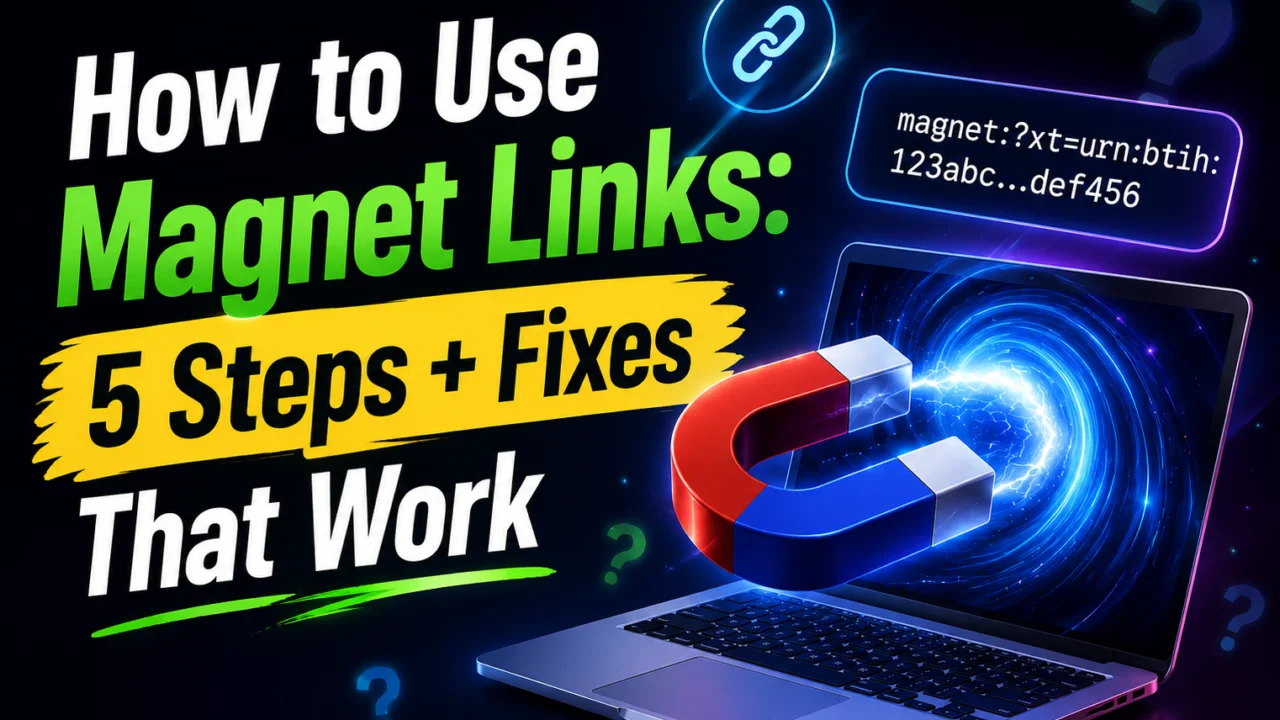
A magnet link looks like a broken web address, and clicking one on a fresh computer usually does nothing. That dead click is where most people give up. Learning how to use magnet links takes about five minutes and one free app. This guide covers the setup, what each part of the link means, and the fixes for when nothing happens. We cover this in more depth in FWIW.
Quick answer: install a BitTorrent client such as qBittorrent, then click the magnet link and approve the prompt asking which app should open it. The client reads the hash inside the link, finds peers, pulls the metadata, and starts the download. There is no file to save first.
Magnet links at a glance
| Detail | What to know |
| What it is | A text URI starting with magnet:? that identifies content by hash |
| What you need | A BitTorrent client (qBittorrent, Transmission, Deluge, BiglyBT) |
| Setup time | Roughly 5 minutes, once per device |
| Key ingredient | The info hash in the xt parameter |
| Peer discovery | DHT, peer exchange, and any trackers listed in tr |
| Created | 2002, by Bitzi, as a neutral successor to eDonkey2000 and Freenet link formats |
| Works on | Windows, macOS, Linux, Android; iPhone needs a workaround |
| Main limitation | Slower start than a .torrent file, since metadata arrives from peers |
Key takeaways
- A magnet link carries a hash, not a file, so nothing is hosted anywhere.
- You need a torrent client installed before any click will do something.
- The browser prompt that asks permission is the step people skip.
- Most failures trace back to a missing file association, not a bad link.
- Android handles them natively; iPhone needs a cloud service in between.
What is a magnet link actually?
A magnet link is a line of text, not a download. Instead of pointing at a server, it carries a cryptographic hash that uniquely identifies a set of files. Your torrent client takes that hash and asks the network who has matching pieces.
The lookup runs on a Distributed Hash Table, or DHT, which is a directory spread across every participating client. No central server has to stay online. As long as one seeder is connected, the hash is enough to find them.
What you’ll need before you start
- A BitTorrent client. qBittorrent, Transmission, and Deluge are free and open source, with no ads bundled in.
- A modern browser. Chrome, Firefox, Edge, and Safari can all hand a magnet URI to an external app.
- Permission to install software. Work laptops often block this, so check first.
- A stable connection. Transfers stall on weak signal, so it helps to improve your Wi-Fi signal before a large download.
How to Use Magnet Links in 5 Steps
- Install a torrent client. Download qBittorrent, Transmission, or Deluge from the official project site. Avoid mirror sites and bundled installers.
- Let it claim the protocol. During setup, most clients offer to register themselves as the handler for magnet: links. Accept that offer. If you skipped it, reopen the app and look under Options for a file association setting.
- Click the link. Your browser will ask whether to open the external app. Tick the box that remembers your answer, then confirm.
- Wait for the metadata. The client shows “downloading metadata” for a few seconds while it collects the file list from peers. This pause is normal and only happens with magnets.
- Pick your files and start. Untick anything you don’t want, choose a save folder, and hit OK. The transfer begins.
If clicking never works, you can paste instead. Copy the link, open your client, and use File > Add Torrent Link in qBittorrent or File > Open URL in Transmission. Paste and confirm. This route sidesteps the browser entirely and is the quickest test of whether the link itself is valid.
Inside a magnet link: what each part means
Reading the URI tells you a lot before you ever click it. A typical link looks like this:
magnet:?xt=urn:btih:4a7f2c9e1d3b5a8f6c0e2d4b7a9f1c3e5d7b9a1c&dn=Ubuntu-Desktop-ISO&tr=udp%3A%2F%2Ftracker.example.org%3A1337
| Parameter | Full name | What it does |
| xt | eXact Topic | The info hash. This is the only required part. |
| dn | Display Name | The label your client shows before metadata arrives. |
| tr | Tracker | A tracker address to speed up peer discovery. |
| xl | eXact Length | Total size in bytes. |
| ws | Web Seed | A direct HTTP source that supplements peers. |
| so | Select Only | File indexes to grab, so partial sets download automatically. |
| x.pe | Peer | A specific peer address to contact directly. |
The btih prefix means BitTorrent Info Hash, written as 40 hexadecimal characters. Newer v2 links use btmh with a SHA-256 hash instead. A link missing the xt value is broken, no matter what else it contains.
Magnet link vs torrent file: which should you use?
| Factor | Magnet link | Torrent file |
| Format | Text you can paste anywhere | A small file you save |
| Hosting needed | None | Yes, a server must serve it |
| Start speed | Slower, metadata comes from peers | Faster, metadata is already local |
| Sharing | Paste into chat, email, or a forum post | Attach or upload |
| Offline use | Needs DHT access to resolve | Works from the saved file |
| Malware surface | No file to scan | The file itself can be tampered with |
Verdict: use magnets for everyday sharing, because they survive dead links and are easy to pass around. Keep a .torrent file when you want an archive that still resolves years later, or when a private tracker requires one.
Magnet links not working? Six fixes
- Reset the file association. In qBittorrent, open Tools > Options > Behavior and tick “Use qBittorrent for magnet links”. Windows users can also set defaults under Settings > Apps > Default apps.
- Clear the browser’s blocked handler. If you once clicked “Cancel” and ticked “remember”, Chrome stores that choice. Visit Settings > Privacy and security > Site settings > Additional permissions > Protocol handlers and clear it.
- Reinstall the client. A repair install re-registers the protocol, which fixes most Windows cases after an update.
- Paste the link manually. If pasting works, the problem is your browser, not the swarm.
- Check for zero peers. A link stuck at “downloading metadata” for several minutes usually means nobody is seeding it.
- Look at your firewall. DHT runs over UDP, and some networks block it, which leaves the client unable to find anyone.
School and office networks are the most common culprit. Torrent traffic is often blocked at the router, so a link that fails at work may open instantly at home. If speeds are the issue rather than the link, a stronger home router makes a measurable difference on busy connections.
Using magnet links on Android and iPhone
Android handles this natively. Install LibreTorrent, Flud, or another client, tap a magnet link in your browser, and pick the app when Android asks. The flow matches desktop closely.
iPhone and iPad are harder, because Apple does not allow BitTorrent clients in the App Store. The usual workaround is a cloud torrent service. You paste the magnet link into a web dashboard, and the service downloads it on your behalf. You then pull the finished file over HTTPS. Documents by Readdle is the app most people use to fetch and manage that result.
Are magnet links safe and legal?
The link format itself is neutral. It carries a hash and some text, so there is nothing executable in it. The risk lies in what you download afterward, which is why you should scan finished files with a free antivirus tool before opening anything.
Legality depends entirely on the content. Sharing Linux distributions, public-domain archives, and open-license media through BitTorrent is normal and encouraged by the projects themselves. Distributing copyrighted material without permission is not, and your internet provider can see the swarm you joined. Stick to material you have the right to share.
Two habits protect you here. Verify a checksum when the publisher provides one, and treat any archive that arrives with an unexpected .exe or .scr inside as hostile. Legitimate media downloads do not need an installer, and free tools such as free video editing software should always come from the developer’s own site.
Your next step
Install qBittorrent or Transmission from the official project page, let it register itself as the default handler, then test with a Linux distribution magnet from a project you trust. Once that first transfer starts cleanly, every future link is a single click.
Apart from that, if you want to know about the article Best Free Antivirus Software in 2026, then visit our Cybersecurity category.
Frequently asked questions
Yes. The link is only an instruction, and something has to act on it. Without a client installed, your browser has nowhere to send the request.
Check your IT policy first. Many workplaces block BitTorrent traffic outright, and installing a client can breach an acceptable use agreement.
It cannot find a peer holding the file list. Either the swarm is empty, or DHT traffic is blocked on your network.
Yes. Add the magnet to your client, wait for the metadata to arrive, then right-click the item and export the torrent.
The link never expires, but the swarm can empty out. An old hash with no seeders left will resolve to nothing.
No. Download speed is identical once the transfer starts, because both use the same swarm. Magnets simply take a few extra seconds to begin.