

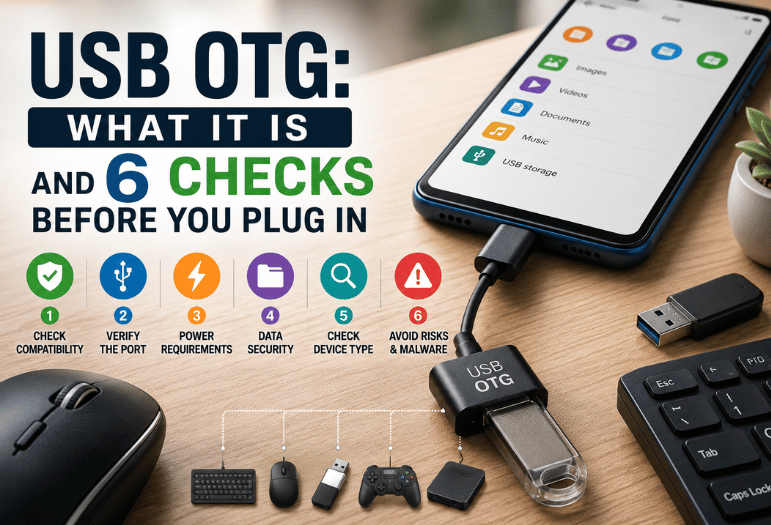
Your phone’s charging port can do a lot more than charge. USB OTG, short for On-The-Go, lets that port act as a host. A tablet or handset can then run a flash drive, a keyboard, a game controller, or a printer on its own. What nobody explains is why it works on one device and does nothing on the next.
Here’s the short answer. An OTG adapter flips your phone from accessory to host: it starts supplying power on the port, then looks for whatever you attached. Storage, input gear, and most audio hardware connect fine. Anything that needs real current, or a driver your phone was never built to load, will not.
OTG at a glance
| Question | Short answer |
| What OTG stands for | On-The-Go |
| Who defined it | The USB Implementers Forum, as a supplement to the 2.0 standard |
| What it changes | Your phone becomes the host and starts supplying power on the port |
| Adapter cost | About $8 to $15 for a plain dongle |
| Powered hub cost | About $20 to $40 with pass-through charging |
| Usually works | Flash drives, card readers, keyboards, mice, controllers, MIDI gear, wired headsets |
| Usually stalls | Spinning hard drives, printers without an app, anything drawing heavy current |
| On newer phones | Type-C ports negotiate the host role over their CC pins, so no special cable is needed |
Key takeaways
- Host mode is a capability, not a switch. Most Android phones since roughly 2012 have it; a few budget models don’t.
- Support is deliberately partial. The standard lets a maker document a subset of gear it promises to run, and ignore the rest.
- Power is the usual reason a drive never appears, not the cable.
- Format storage as exFAT and almost every detection problem disappears.
- An iPhone with a Type-C port does the same job without an OTG adapter, through the Files app.
What USB OTG actually does
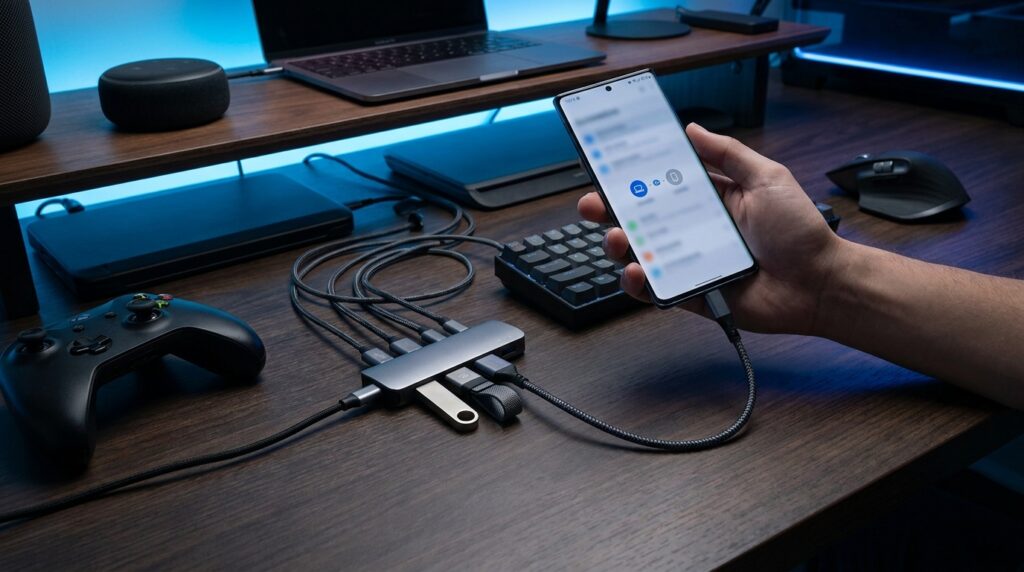
Every wired connection has one host and one accessory. Hosts supply power and ask the questions. Normally your phone is the accessory, which is why plugging it into a laptop puts the laptop in charge.
On-The-Go breaks that fixed pairing. The adapter tells the phone to take the host role, so the phone powers the port and starts scanning for whatever sits on the other end. Two protocols handle the handshake: Session Request Protocol wakes a sleeping link, and Host Negotiation Protocol lets two capable devices swap roles mid-session. Neither is visible to you. They run in firmware in a fraction of a second.
One detail matters more than any of that. The USB Implementers Forum built the specification around a Targeted Peripheral List. Its 2012 On-The-Go and Embedded Host Supplement calls that list the set of accessories a given host promises to support. Blunt wording follows: a targeted host does not have to support every type of device, only a documented subset.
So “my phone supports OTG” was never a promise that your particular gadget would work. Support is a list, not a switch. That single fact explains most of the confusion online.
Six checks before you plug in
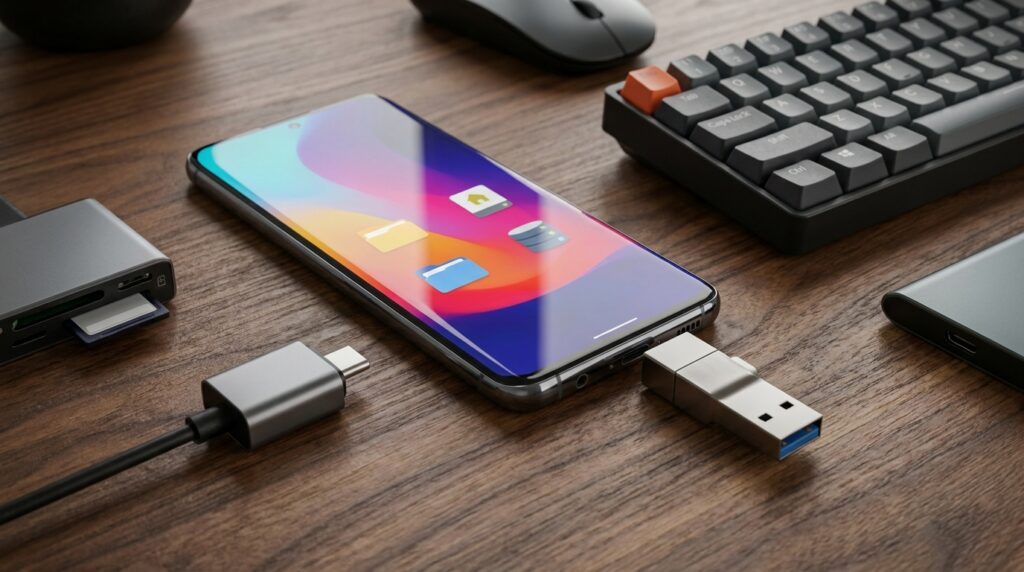
Run these in order. Each rules out a different failure.
- Search your phone’s settings for “OTG”. Samsung, OnePlus and others ship a toggle that switches itself off after ten idle minutes.
- Install a free hardware info app and look for a “USB host” entry. It reads the flag the operating system itself uses.
- Check the port type. A Type-C phone needs a Type-C adapter, and an older micro connector needs an OTG cable with the ID pin wired.
- Try a small thumb drive first. If a 32 GB stick mounts and a portable hard drive does not, you have a power problem, not a support problem.
- Reformat the drive as exFAT on a computer, then try again.
- Restart the phone once with nothing attached. If it won’t boot at all, that is a separate fault, and recovery mode on iPhone and Android is where you start instead.
What each failure means: nothing at all on screen points at the cable or the missing host flag. Brief notifications that vanish point at power. A drive that mounts but shows no files points at the file system.
What you can plug in, and what usually stalls
Plenty works, more than most people expect.
- Storage. Thumb drives, SD card readers and small solid-state drives, which draw little enough current to run off the port.
- Input gear. Keyboards, game controllers and a comfortable mouse for long work sessions, all of which turn a tablet into something close to a laptop.
- Audio. Interfaces, MIDI controllers and wired earbuds with a Type-C plug, since the port carries digital audio directly.
- Cameras. Many mirrorless bodies tether for remote capture, though the app matters more than the cable.
- Ethernet. A cheap adapter gives a tablet a wired connection on a bad hotel network.
Stalls are predictable too. Desktop printers need a driver that nothing on the phone can load. Spinning hard drives spin up, brown out, and disconnect.
The ID pin, and why Type-C changed everything
Older micro connectors carried five pins, and the fifth was the ID pin. An OTG cable grounds it. The phone sees the ground, concludes it is now the host, and switches roles. That’s the whole method: a wire tied to ground inside the plug. It also explains why an ordinary charging cable with a gender changer does nothing.
Type-C threw that away. Instead of a dedicated ID pin, every Type-C port has two Configuration Channel pins. Both ends negotiate which is host and which is accessory each time you connect them. Modern adapters are simple wiring, not clever electronics. Role decisions moved into the port itself, which is why a plain Type-C to USB-A dongle behaves like an old OTG cable without being one.
Power is the real limit
Here’s the part the top guides skip. Compliance rules from the standards body require an On-The-Go host to source only 8 mA on the power line. That’s the floor, not the typical figure. Real phones deliver far more, commonly around 500 mA.
Compare that to a portable hard drive at spin-up: often 700 mA or more for a second or two. The phone can’t deliver it, the drive stalls, and you get a notification that disappears before you can read it. Nothing is broken. Your power budget simply ran out.
Two fixes work. Use flash memory, which has no motor to start, or use a powered hub with its own wall adapter so the drive stops drawing from the phone at all. Powered hubs cost roughly $20 to $40 and charge the phone while it reads, which solves the battery drain people complain about. Host mode does drain the battery, since your phone now feeds another device as well as itself.
Format the drive so the phone can read it
Mount a drive and get an empty folder, and the file system is almost always the mismatch. This is the one table worth memorizing.
| File system | Android | iPhone and iPad | Catch |
| exFAT | Read and write | Read and write | The safest all-round choice |
| FAT32 | Read and write | Read and write | Refuses any single file over 4 GB |
| NTFS | Read only, or not at all | Read only | Needs a third-party app to write |
| APFS or HFS+ | Not supported | Read and write | Apple formats, invisible to Android |
That 4 GB ceiling on FAT32 catches people constantly. A long 4K clip, a disc image or a big archive pulled down through downloading big files with magnet links will all sail past it. Your copy then fails with an error that blames the drive rather than the format. Reformat as exFAT and the problem goes away.
Before you plug in a drive that is not yours
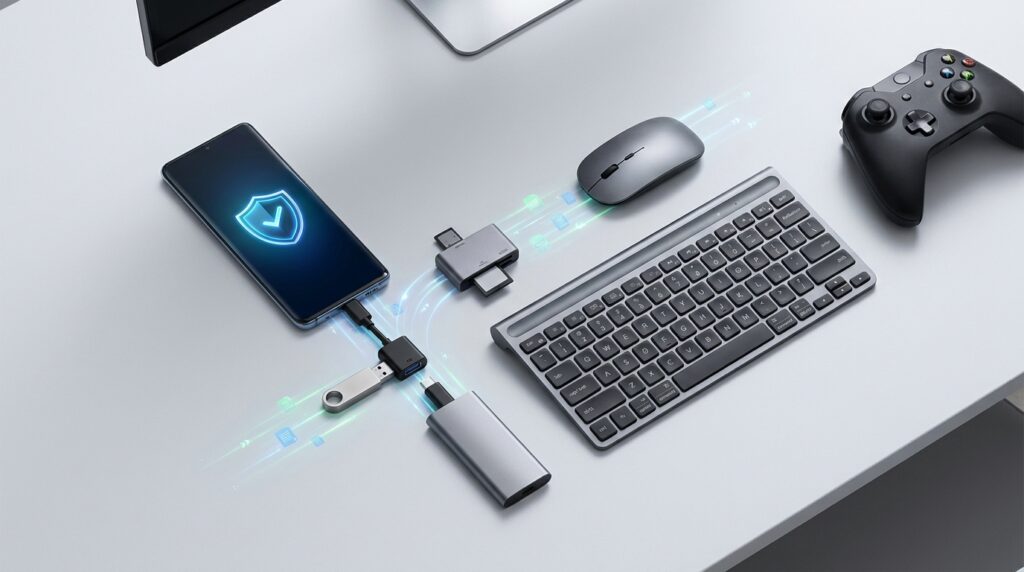
Host mode makes your phone the machine that reads an unknown device. That is worth a pause.
Researchers dropped 297 flash drives around a university campus and watched what people did with them. According to a 2016 study presented at the IEEE Symposium on Security and Privacy, people picked up 98% of the drives and opened files on 45% of them. Someone connected the first one in under six minutes. Curiosity beat caution by a wide margin.
A phone is a harder target than a desktop, and Android won’t auto-run anything from removable storage. Still, files can carry malware into whatever app opens them, and a borrowed drive from a print shop is a genuine unknown. If a device starts behaving oddly afterwards, the warning signs of a hacked phone are worth reading before you assume it was the drive. Treat found storage the way you would treat a found envelope.
Where the iPhone differs
Apple never adopted the On-The-Go branding, so no iPhone has ever had an OTG toggle. It got to the same place by a different road. Every iPhone from the 15 onward has a Type-C port. It mounts a flash drive in the Files app the moment you connect one, with no adapter and no setting to find.
Lightning models are fussier. They need Apple’s own camera adapter, and hungry drives need the version with a charging passthrough. Either way, the drive must be exFAT, FAT32, or an Apple format, and writing to NTFS is off the table.
Your next step
Do the cheap test first. Buy one plain adapter, borrow a small thumb drive, format it as exFAT, and plug it in. Five minutes and a small budget tell you more than an hour of reading spec sheets. If it works, you have quietly added a card reader, a keyboard, and an external disk to a device you already own.
Frequently asked questions
Search your settings for “OTG” first. If nothing appears, a free hardware info app will report the host mode flag directly. If neither works, plug in a small thumb drive: a phone with host support shows a notification within a few seconds.
On a micro connector, you need a real OTG cable with the ID pin grounded, and an ordinary charging cable won’t do. On a Type-C phone, any decent data adapter works, because the port sorts out the roles itself.
Power. The drive draws more current at spin-up than the phone can source, so the link drops. Move to flash memory or a powered hub.
It’s safe for the hardware. Your phone will drain faster while it is hosting, since it’s powering the other device as well as itself. Use a hub with pass-through charging for anything long.
Only with a powered hub or a Y-cable that carries a separate power input. Plain dongles occupy the port completely.