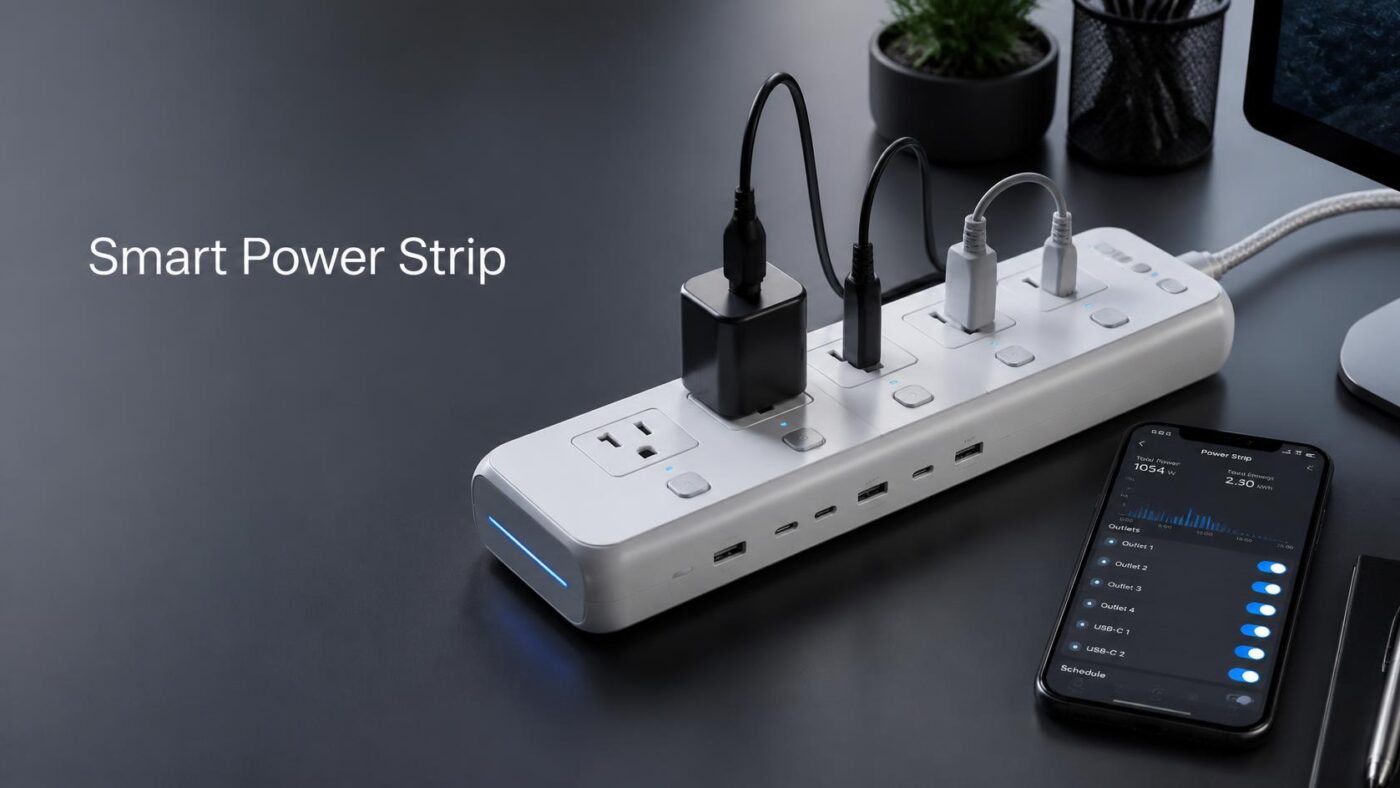
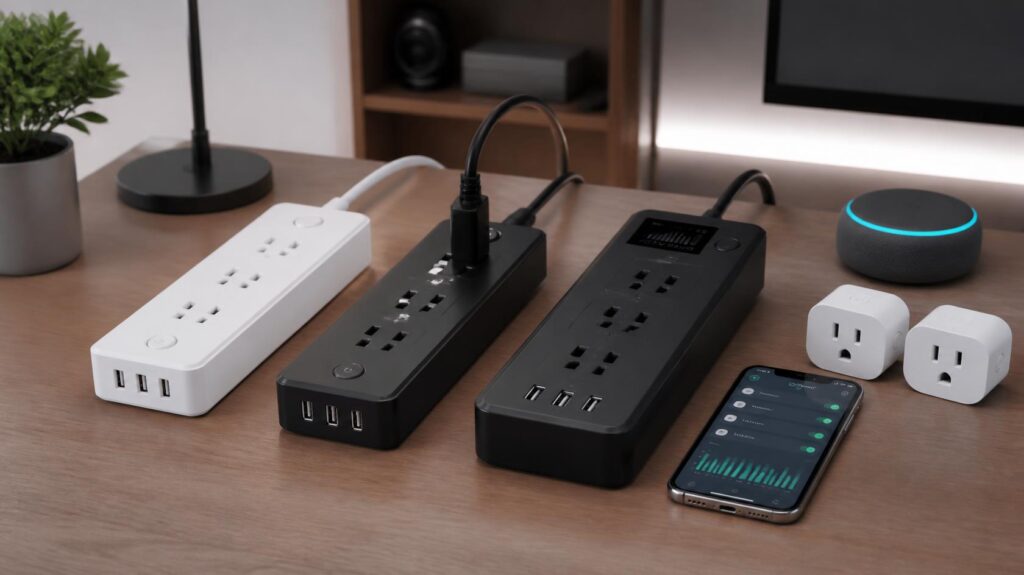
Three price tiers, three genuinely different products. About $25 buys three app-controlled sockets and little else. Around $45 adds Matter, six switched outlets and energy reporting, while $90 buys per-outlet metering and a published surge rating. A smart power strip repays its cost only when those features match what sits behind your TV or desk.
Short answer: buy the $45 tier. Six independently switched outlets, Matter support, and watt reporting cover almost every home use. The extra $45 for the flagship mostly buys per-outlet metering that few people read twice. Drop to $25 only when three sockets are genuinely enough.
| Price today | Example model | Switched outlets | Energy reporting | Surge marking |
| $24.99 | Kasa KP303 | 3, plus 2 USB | No | Surge protected, no rating published |
| $31.39 | Meross MSS425F | 4, plus 4 USB | No | ETL listed |
| $39.99 | Geeni Surge Ultra | 6, plus 2 always-on | Not listed | 1,200 joules |
| $43.99 | Tapo P316M | 6, plus 3 USB | Yes | ETL, MOV based |
| $89.99 | Kasa HS300 | 6, plus 3 USB | Yes | UL 1449 Type 3, VPR 500V |
Prices checked at Best Buy and Amazon on July 29, 2026.
Key Takeaways
- Independently switched outlets are the feature worth paying for. A single master switch turns the whole strip into an expensive timer.
- Standby loads cost a real household up to $100 a year, so the payback window is measured in years, not months.
- A joule number is a rough absorption budget. The let-through voltage under UL 1449 tells you more about what reaches your gear.
- Treat the watt readings as trend data. These are not utility-grade meters, and almost nobody publishes an accuracy tolerance.
- Leave your router, modem, and anything with a clock on an always-on socket.
What A Smart Power Strip Changes About An Outlet?
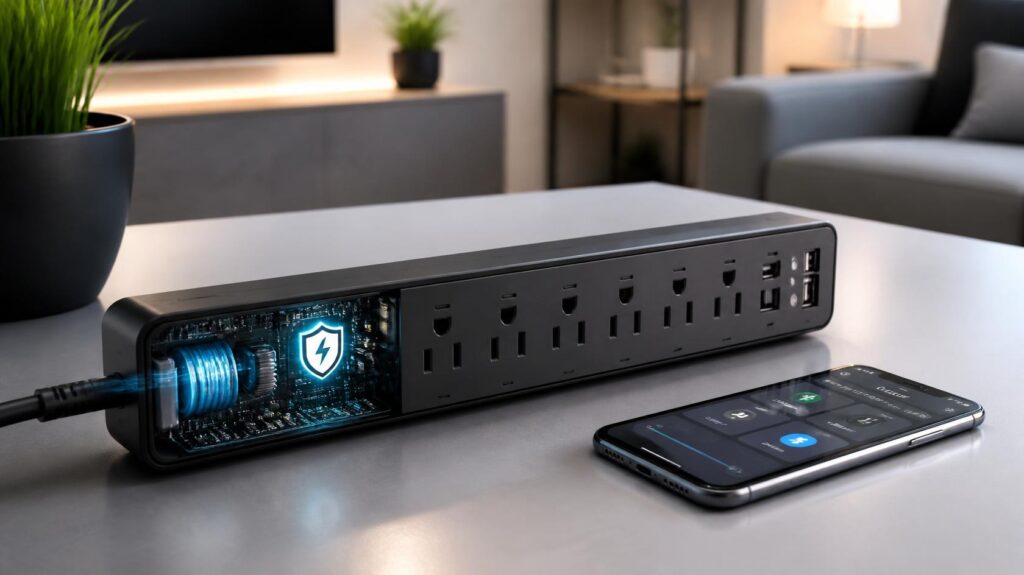
Inside the housing sits a relay behind each socket and a small 2.4 GHz radio in the smart power strip. The app talks to those relays, so you can cut power to one device without unplugging anything or crawling under a desk.
That opens up three things a plain surge protector cannot do: schedules, conditional automation, and remote switching. A bedroom lamp comes on at dusk. The 3D printer shuts off at midnight whether or not you remembered. A guest room heater cuts out when everyone leaves the house.
The obvious alternative is a single connected socket, which our outdoor smart plug guide covers for yard and patio jobs. Indoors, one strip replaces four or five of them and costs less than buying them separately.
Individually Switched Outlets Vs One Master Switch
This is where cheap listings mislead people. Plenty of products advertised as smart control every socket together, which means the app can only kill the entire bank at once.
That distinction decides what you can automate. With six independent relays, you can schedule a monitor, leave a NAS running, and cut a space heater, all from one strip. With a master switch, you get an on button and an off button.
Always-on sockets matter just as much. The Geeni Surge Ultra reserves two of its eight outlets for gear that must never lose power, which is exactly where your modem and your router belong. Pull the plug on those and the app loses its own route home, so pick the strip’s location around whatever you learned while choosing a home WiFi router.
The Standby Load Case, Counted in Dollars
Here is the number the roundups skip. The Department of Energy’s Office of Energy Efficiency and Renewable Energy reports that standby power accounts for 5 to 10 percent of residential energy use. That waste can cost the average American household as much as $100 per year.
Convert that to a single device and the math gets concrete. A set-top box or console drawing 8 watts around the clock burns 70 kWh a year. At the 2025 US average residential rate of 17.30 cents per kWh reported by the Energy Information Administration, that one device costs about $12 annually.
Kill four of those, and you save roughly $48 a year, so a $44 strip pays for itself inside twelve months. Kill one lamp that already uses nothing in standby, and you save nothing. Laser models are a good candidate. They idle warm and never sleep as deeply as buyers expect, so check that before you pick one of the laser printer options for home and office.
Measure first. Guess second.
Joule Ratings And The Number That Matters More
Joules describe how much surge energy the strip can absorb before its protection wears out. It’s a lifetime budget, not a per-event shield, and metal oxide varistors degrade with every hit they take. A 1,200-joule strip like the Geeni will outlast a 600-joule one under the same conditions.
Let-through voltage is the sharper measurement. UL 1449 is the safety standard for surge protective devices. It assigns each product a Voltage Protection Rating, showing how much voltage still reaches your gear during a standard test surge. Lower is better.
TP-Link publishes exactly that for the Kasa HS300: a Type 3 SPD with a 500V rating across all three modes, rated for 15A and 1,875W total. It publishes no joule figure at all. Most of its rivals do the opposite, which makes head-to-head comparison harder than it should be.
Two practical rules. Look for the UL 1449 listing on the box rather than a joule number in the product title. Replace any surge strip that has taken a known hit, because a dead protection circuit still passes power.
How Far To Trust The Energy Monitoring

Utility meters are held to ANSI C12.20 accuracy classes of 0.2 or 0.5 percent for smart power strip. Consumer strips are held to nothing comparable, and manufacturers rarely publish a tolerance figure at all.
In practice the readings behave well at moderate loads and poorly at tiny ones. A 900W heater will report close to reality. A 2W phone charger sits near the sensor’s noise floor, which is unfortunate, because those small parasitic loads are the ones you bought the strip to find.
So use the data comparatively. Watching a games console drop from 14W to 0.5W after a firmware update is useful. Reading 14.3W and treating it as gospel is not.
Matter, Local Control And What Happens During An Outage
Matter is the interoperability standard that lets one device work with Apple Home, Google Home, Alexa and SmartThings without four separate integrations. The Tapo P316M is Matter certified. Its older sibling, the Kasa HS300, skips Matter and reaches those platforms through TP-Link’s own cloud links.
The practical payoff is local control. A Matter device on your own network answers a hub on that same network, so switching an outlet keeps working when your broadband drops. Cloud-only products lose voice control , and app control the moment the connection does.
Schedules are the other half. Most strips store timers on the device itself and keep running them offline, though away-detection and geofencing need the internet. Every model here uses 2.4 GHz WiFi only. A strip tucked inside a media cabinet behaves like any weak corner of the house, so our guide to improving a WiFi signal helps here.
Five Current Models, Compared
| Model | Price | Best for | Strength | Trade-off |
| Tapo P316M | $43.99 | Most homes | Matter, 6 relays, 3 USB, watt reporting | No joule figure published |
| Kasa HS300 | $89.99 | Metering fans | Published UL 1449 VPR, mature app | Costs double, no Matter |
| Geeni Surge Ultra | $39.99 | Mixed loads | 1,200 joules, 2 always-on outlets | No watt reporting listed |
| Meross MSS425F | $31.39 | Apple homes | Native HomeKit, 4 switched outlets | USB ports switch as one group |
| Kasa KP303 | $24.99 | Small setups | Lowest price here for per-outlet control | Only 3 outlets, no metering |
The Tapo P316M is our pick in smart power strip. It carries the same six independent relays and three USB ports as the HS300, adds Matter, and lands at less than half the price. TP-Link’s failure to publish a joule or VPR number is the one genuine mark against it.
Choose the HS300 instead if you want the surge specification in writing and a longer support history. Choose the Meross MSS425F if you live inside Apple Home and want four switched sockets without a bridge. The KP303 suits a desk or nightstand where three sockets end the problem. Matching the device to the job also drives our smart thermostat recommendations for a home.
Before You Buy

Spend ten minutes with a notepad behind the TV. Count the devices, note which ones must never lose power, and add up the wattage so you stay clear of the 1,875W ceiling. Then order the tier that fits, not the one with the longest feature list.
Final Verdict
A smart power strip is worth buying when its features solve a real problem, not just because it connects to an app. The $45 range delivers the best balance of control, Matter support, and energy tracking for most homes. Premium models add useful details, but only for specific needs. Choose based on your devices, safety requirements, and automation goals.
Frequently Asked Questions
It is when you have several standby-hungry devices in one place and at least one you want on a schedule. A media wall or a home office qualifies. A single lamp does not, and a plain plug costs
Device-stored schedules keep running, and Matter models still respond to a local hub. Remote access, voice assistants and location-based routines stop until the connection returns.
For a TV, console and streaming box, 1,000 joules or more is a sensible floor. For a desktop PC or anything with stored work on it, buy a dedicated surge protector or a UPS as well.
Check the label first. A 1,500W heater eats most of a 1,875W strip on its own, and manufacturers usually advise against high-draw heating appliances on any relocatable tap.
It typically starts around $44 on models like the Tapo P316M. Cheaper units switch and schedule without reporting a single watt.
An advanced strip uses a control outlet to cut its slave sockets automatically, with no app involved. A connected strip switches on your command or a schedule instead, and it tells you what happened.