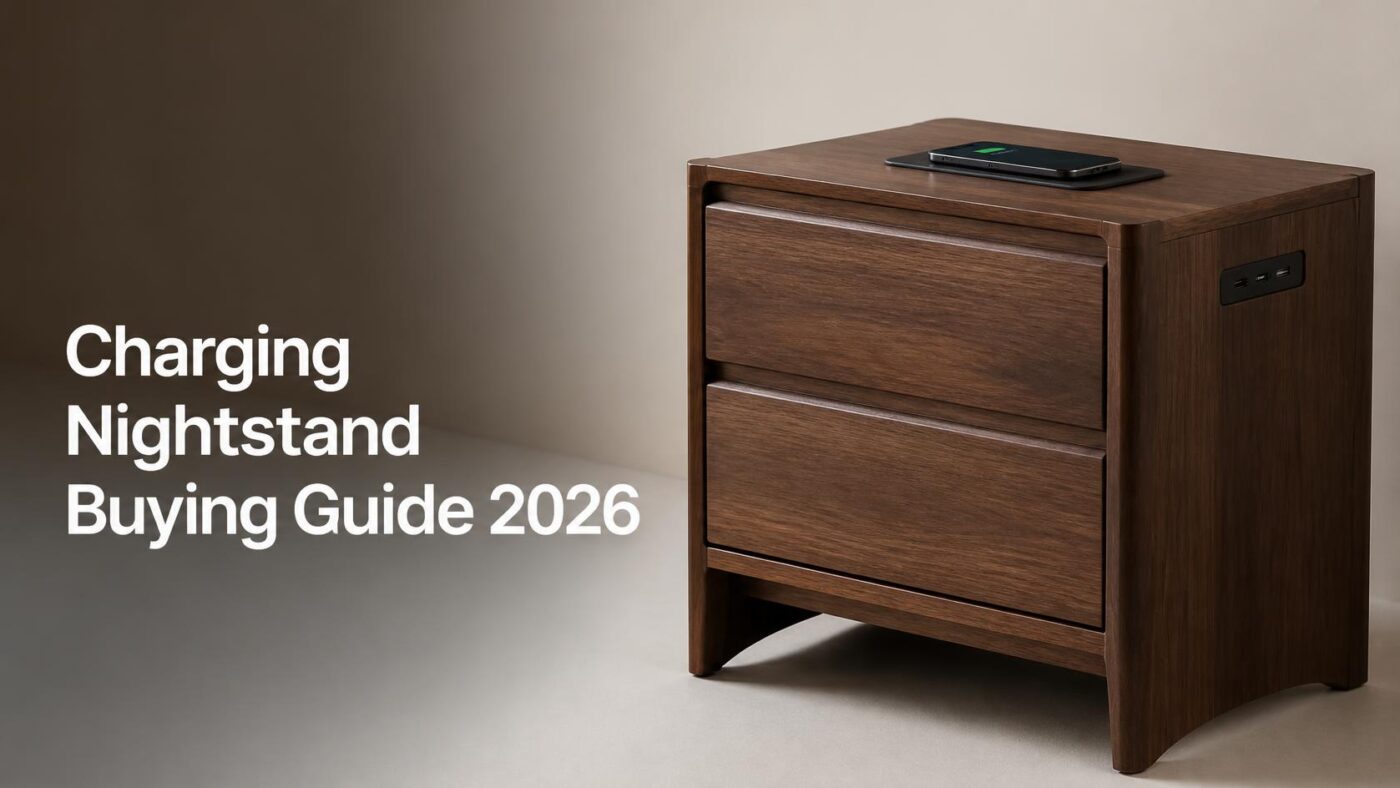
Reach for your phone at 6 a.m., and you learn everything about your bedside setup. Either the battery is full, or the cable has slid behind the bed again. Every charging nightstand is sold to fix that one moment, and a good number of them fix it badly.
Prices run from roughly $70 to $650. Furniture is rarely the weak part. Blame the power block screwed into the back of it, because listings almost never state the wattage, the wireless standard, or whether the outlet module carries a safety listing.
Short answer: buy a factory unit only when it names a UL or ETL certification and its exact port types. Nectar’s Zadilyn at $598 is the most clearly specified of the bunch. Everyone else should keep the table they own and add a Qi2 pad for $89.99, or a Docking Drawer outlet from $249.
At a Glance
| Route | What you get | Typical cost | Best for |
| Budget furniture with a power block | 2 AC outlets, 2 unlabeled USB ports | $70 to $210 | Guest rooms, renters, second bedrooms |
| Premium furniture with charging | USB plus a built-in Qi pad, stated UL listing | $598 to $649 | One clean piece, no visible gear |
| In-drawer retrofit outlet | 2 AC plus up to two 65W USB-C ports | $249 to $325 | Fast charging and hidden cords |
| Countertop Qi2 stand | 15W magnetic phone charging, watch, earbuds | $89.99 | Speed on the smallest budget |
Key takeaways
- Almost no factory pad is Qi2 certified, so wireless speeds stay near 5W to 10W.
- USB-A ports in furniture are common and slow. USB-C Power Delivery is rare.
- A UL or ETL mark on the outlet module matters more than the drawer front.
- Retrofitting beats replacing on price, speed, and repairability in most bedrooms.
What A Charging Nightstand Actually Costs?
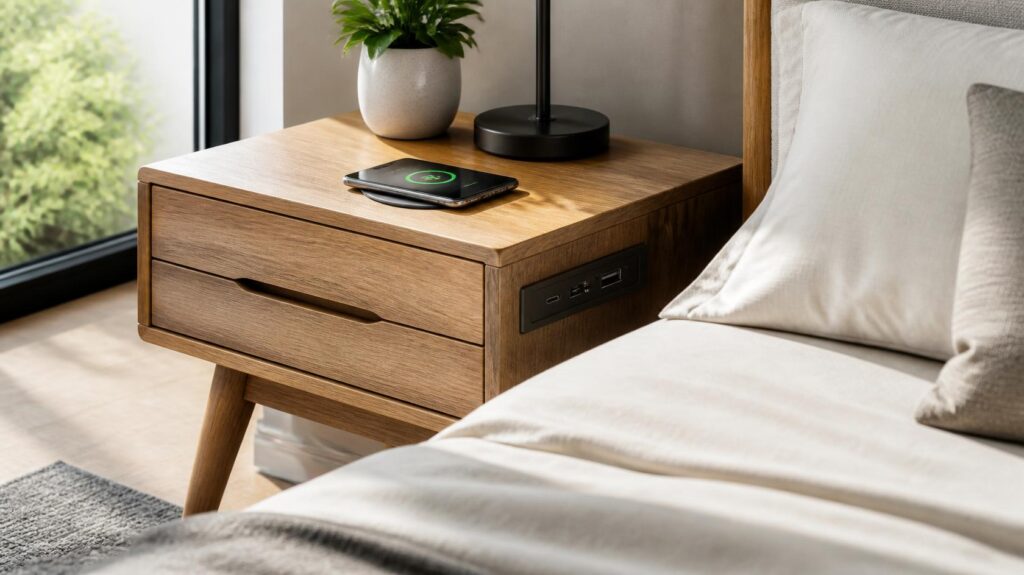
These are current US prices checked on July 29, 2026. Specs come from the manufacturer or retailer listing, and the blanks are the listing’s blanks, not ours.
| Product | Price | AC outlets | USB | Wireless | Safety listing |
| AOGLLATI LED nightstand, Walmart | $69.99 | 2 | 2, type not stated | None | Not stated |
| Ashley Trinell 2-drawer, Walmart | $205.99 | 0 | 2 slim USB-A | None | UL Listed |
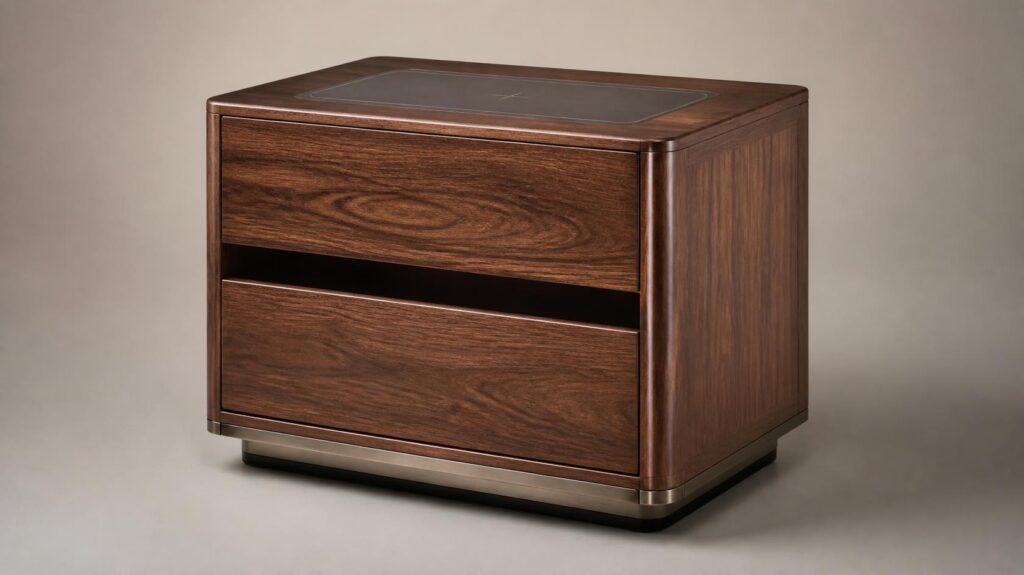
| Nectar Zadilyn | $598 | 0 | USB, count not stated | Qi pad | UL Listed |
| West Elm Quinn, 21 inch | From $649 | Yes | USB, type not stated | None | Not stated |
| Docking Drawer Blade, 15 amp | $249 to $325 | 2 | Up to two 65W USB-C | None | ETL to UL 962A |
| Anker MagGo 3-in-1 | $89.99 | 0 | Wall adapter | Qi2, 15W | Qi2 certified |
| InvisQi under-surface pad | $169 | 0 | Wall adapter | Qi, 10W max | UL, FCC |
Look at the pattern. The two most expensive pieces of furniture on that list disclose less about their electronics than a $249 retrofit part does.
Qi2 Versus Older Qi: The Number Listings Leave Out
This difference matters more than many buyers realize when choosing a charging nightstand. Buried beneath a wood veneer or tabletop surface, the built-in wireless charger in many charging nightstands is still based on the older Qi standard. As a result, users often assume the integrated charging pad will perform like the Qi2 charger on their desk, but it usually won’t.
Slower charging and imperfect alignment can leave your phone with less battery by morning than expected. That is the whole difference, and it decides how your phone looks in the morning. Buried under a wood veneer top, a factory pad is nearly always plain Qi. No roundup explains this, so buyers assume the built-in circle charges like the one on their desk. It does not.
Alignment is the other trap. Thick cases, wallet attachments and folding phones can stop a hidden pad working, because the coil has to sit within a small window of the target. Anyone weighing Galaxy Z Fold5 buying advice should test a folding handset on any pad before committing to furniture built around one.
USB Wattage And Port Count
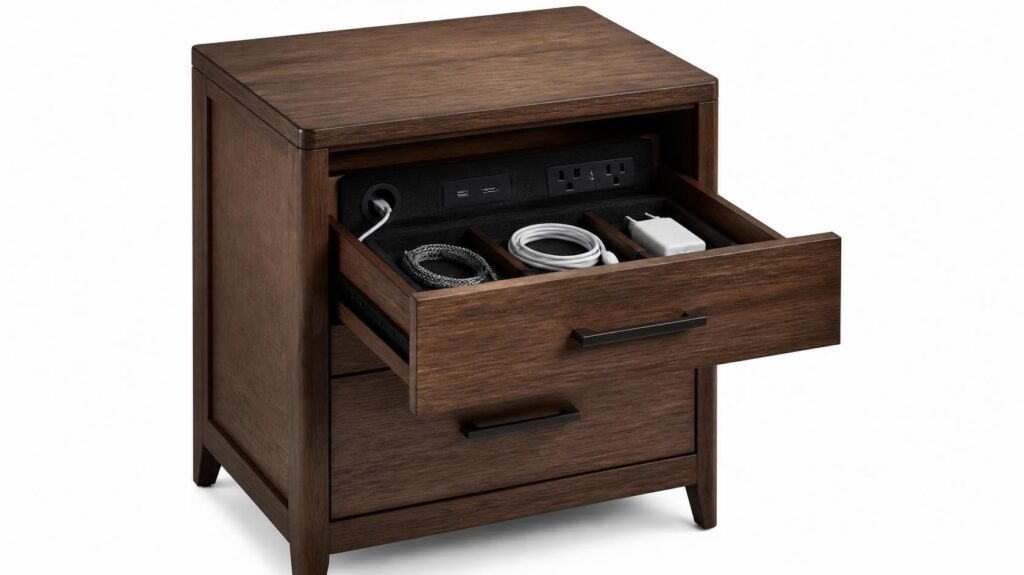
Count the ports, then find the watts. Furniture power blocks are dominated by USB-A, a connector that peaked years ago and rarely pushes past 12W in this application. Ashley’s Trinell ships two slim USB-A ports, and some newer Trinell revisions swap in USB-C.
Compare that with a retrofit part. One Docking Drawer Blade configuration carries two 65W USB-C outputs, enough for a laptop, next to two AC sockets. Nothing in the $600 furniture tier states a comparable figure.
- Two ports is the floor. A phone and a watch will fill them on night one.
- USB-C Power Delivery is the feature to hunt for. 20W refills a modern phone quickly.
- Shared budgets are real. Four ports rarely means four ports at full speed.
The Safety Listing Is The Spec That Matters
Electrical malfunction is not a rare failure mode in American homes. According to the U.S. Fire Administration, residential buildings had 23,700 electrical malfunction fires in 2023, and those fires caused 305 deaths and just over $1.5 billion in property loss. Data from that same series shows the trend flat across a decade. That is the context for a permanently energized outlet sitting inside a wooden box beside your pillow.
Safety certification is another important factor when choosing a charging nightstand. Docking Drawer’s in-drawer outlet is ETL Listed to UL 962A and includes an interlocking thermostat that automatically cuts power if the temperature inside the drawer exceeds 120°F (49°C), helping reduce the risk of overheating. By comparison, Nectar and Ashley state that their charging nightstand electrical components are UL Listed. The $69.99 generic unit makes no mention of UL or ETL certification, and the product listing provides no evidence of independent safety testing.
Load limits deserve the same attention you would give any household circuit. Our outdoor smart plug buying guide walks through reading amperage ratings before you connect anything heavier than a lamp, and the same habit applies indoors.
Cords, Clearance And Cable Management
Every one of these products ends in a pigtail cord that must reach a wall outlet. AOGLLATI ships 4.9 feet of cable, which sounds generous until the bed frame eats three of them.
Measure the run from the intended spot to the receptacle before you order. Then measure the gap behind the headboard, because that is where the slack has to live. Planning a room refresh anyway? A floor plan drawn in home design software for floor plans will show the outlet positions and clearances faster than a tape measure and a guess.
Can You Replace the Charging Module?
Here is the question nobody asks, and it decides whether the furniture outlives the electronics. Drawer-mounted and surface-mounted outlets unscrew and swap out. Molded into a laminate panel and wired to an internal harness, a power block usually does not.
Think about the timescale. Solid wood furniture can serve twenty years. USB-A was already fading in 2020. When the module fails, or its ports become obsolete, a replaceable part costs $249 and an hour. A sealed one turns a $598 purchase into a plain table with a dead hole in it.
Three Retrofit Routes For The Table You Own
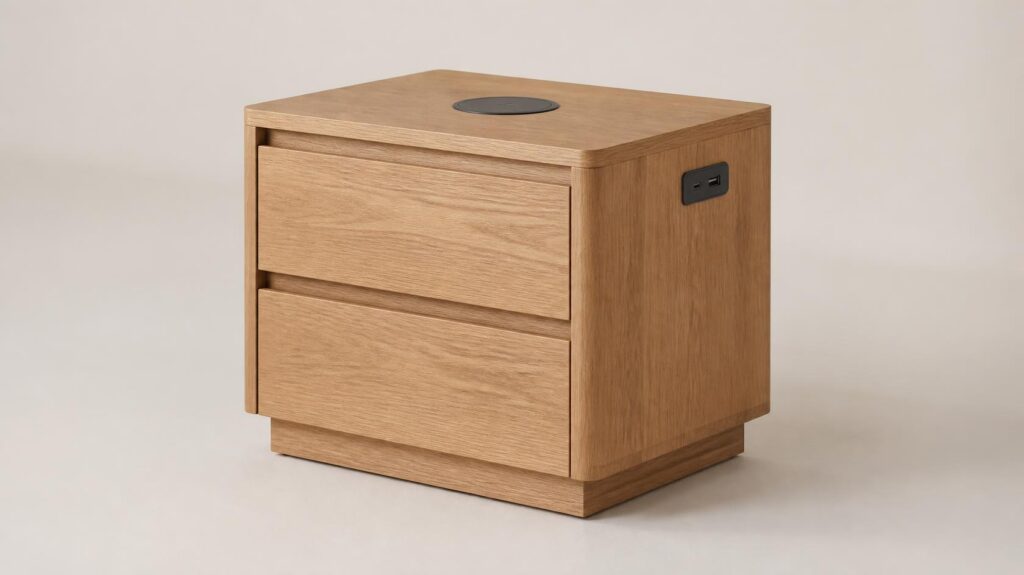
- Add a Qi2 stand on top, $89.99. Anker’s MagGo 3-in-1 is Qi2 certified at 15W for the phone plus 5W each for a watch and earbuds. It wants a 40W adapter, which Anker includes.
- Hide a pad under the surface, $169. InvisQi charges through roughly 1.2 inches of wood or stone at up to 10W. It is UL and FCC marked, though it is plain Qi rather than Qi2.
- Cut in a drawer outlet, $249 to $325. The Docking Drawer Blade needs about 2 inches of clearance behind the drawer box, or 1.25 inches with a spacer, and fits drawers as narrow as 9 inches.
Pros: faster charging, published certifications, replaceable parts, and you keep furniture you already like. Cons: the drawer option means cutting a real hole, the stand stays visible, and you still need a receptacle within cord reach.
Final Verdict
Retrofit wins. Keep the table you already own and add a Qi2 stand at $89.99. Want the cords out of sight too? Add a Docking Drawer Blade from $249. That pairing charges faster than every factory unit here, publishes its safety listing, and stays repairable.
Buy furniture with charging built in when a single clean piece matters more than speed, and when the listing names both a certification and its port types. On that test, the Nectar Zadilyn at $598 is the pick, with the Ashley Trinell at $205.99 as the budget alternative that still states UL Listed.
Sort the bedside first, then work outward. Our smart thermostat picks for the rest of the house are the logical next stop once the cables stop annoying you.
Frequently Asked Questions
Between $200 and $600 for furniture with certified, clearly specified charging. Below $200 the electronics are usually undocumented. Above $600, you are paying for the wood, not the ports.
Rarely. Most are USB-A running well under 20W. Only a retrofit outlet with USB-C Power Delivery reaches laptop-class speeds.
It is when the module is UL- or ETL-listed, and you stay inside its amperage rating. Skip any product that will not state its certification.
Bolt-in modules unscrew and get replaced. Sealed factory blocks often cannot be, so ask before buying.
Yes, and it is usually the better deal. Expect $89.99 for a stand, $169 for an under-surface pad, and $249 to $325 for an in-drawer outlet.
Commonly 4 to 6 feet. AOGLLATI ships 4.9 feet, and the Docking Drawer includes 42 inches, so plan the plug location before ordering.