Search for how to make my Facebook private, and you expect one switch; like Instagram, it’s never built that way. A private account here means changing about eight separate settings spread across three menus, and two of those settings moved in 2026.
Short answer: open Settings and privacy, then Audience and visibility. Set future posts to Friends, limit past posts, hide your friends list, switch off search engine linking, and restrict email and phone lookup. Then open Accounts Center and turn down ad personalization. Budget about 10 minutes for the whole run.
What each setting does, and how long it takes
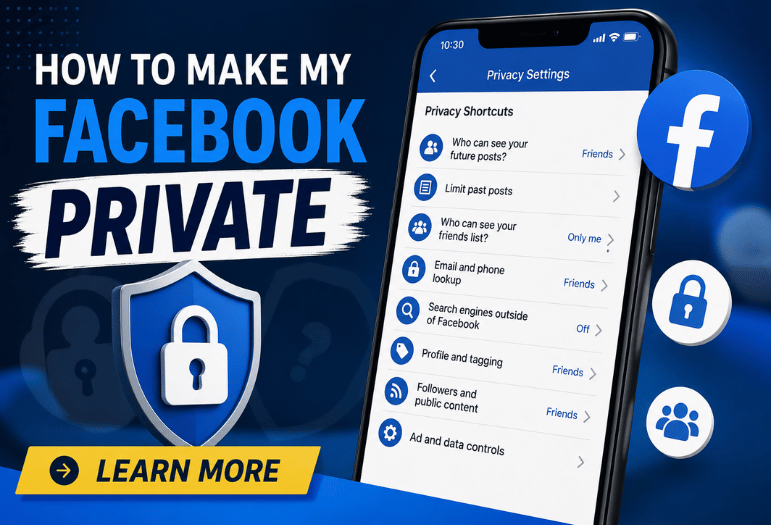
| Setting (How to Make My Facebook Private) | Where it lives | What it changes | Timing |
| Who can see your future posts? | Audience and visibility > Posts | Default audience for everything you post from now on | Instant |
| Limit past posts | Audience and visibility > Posts | Bulk-switches old public posts to Friends | Instant, and you can’t bulk-undo it |
| Who can see your friends list? | How people find and contact you | Hides who you’re connected to | Instant |
| Email and phone lookup | How people find and contact you | Stops strangers matching you from a contact list | Instant |
| Search engines outside of Facebook | How people find and contact you | Removes your profile from Profile resultss | Weeks, not minutes |
| Profile and tagging | Audience and visibility | Who can post on your profile and tag you | Instant |
| Followers and public content | Audience and visibility | Whether non-friends can follow you | Instant |
| Ad and data controls | Accounts Center | How your activity feeds ad targeting | Instant, applies going forward |
Key takeaways
- There is no single private toggle. Eight settings, three menus, roughly 10 minutes.
- Limit past posts is the highest-value change, and it’s the one you can’t reverse in bulk.
- De-indexing from Google is slow, and cached copies need a separate removal request.
- Your name, profile photo, and cover photo stay public whatever you do.
- Ad controls sit in Accounts Center, and one of them changed in July 2026.
How to Make My Facebook Private, Step by Step
- How to make my Facebook private: Work through these steps in order. Each step is one action, and each change sticks before you move to the next.
- Open Audience and visibility. On desktop, click your profile photo at the top right, then Settings and privacy, then Settings, then Audience and visibility in the left sidebar.
- Set the default audience. Under Posts, change “Who can see your future posts?” from Public to Friends. Everything you write from now on inherits that.
- Limit past posts. Same screen. It converts every public and friends-of-friends post you’ve ever made into a Friends-only post in one pass. Facebook will not undo this in bulk, so read the confirmation before you tap it.
- Hide your friends list. Open How do people find and contact you, then “Who can see your friends list?” and pick Only me. Your connections are the fastest way for a stranger to guess where you work and who you live with.
- Close the lookup routes. On the same screen, set both “Who can you look up using the email address you provided?” and the phone number version to Friends. If that address sits in a mail app you’ve stopped using, our Outlook Lite migration guide explains how to move it somewhere you still read.
- Turn off search engine links. Still under How people find and contact you, switch off “Do you want search engines outside of Facebook to link to your profile?” This one is slow. Google re-crawls on its own schedule.
- Tighten tagging and followers. Under Profile, turn off tagging; turn on review for posts you’re in. Under Followers and public content, set followers to Friends so non-friends can’t see you.
- Fix your ad and data controls. Back out to Accounts Center, open Ad preferences, and work through Ad topics and Ad settings. This menu is separate from Audience and visibility, which is why most guides skip it.
Facebook also offers Privacy Checkup, at Settings and Privacy Checkup, on both web and apps. It’s an earlier wrapper around steps two through seven. Use it if the sidebar feels dense, but check out the Accounts Center settings yourself afterward, because Privacy Checkup doesn’t cover all of them.
What you’ll do before you start
Five minutes and the account you actually want to lock down. Do this on desktop if you can, because the sidebar shows every section at once instead of hiding half of it behind taps.
- Your password, since Facebook re-prompts before some changes.
- A rough idea of which old posts you’d you’dr strangers didn’tdidn’t
- The Facebook app is updated if you’re using a phone.
Phone-side permissions matter too. Location, contacts and microphone access are granted by your handset, not by Facebook, and our walkthrough of hidden Google Play Store settings covers where Android stores those controls.
Where the iPhone app, the Android app and desktop split
The settings themselves are identical on mobile and on desktop. The process of reaching them is different, and that’s what most walkthroughs gloss over.
| Device | Route to Audience and visibility |
| Desktop browser | Profile photo, top right > Settings and privacy > Settings > left sidebar |
| iPhone app | Profile photo, bottom right > gear icon, top right > scroll to Audience and visibility |
| Android app | Profile photo or menu, top right > gear icon > scroll to Audience and visibility |
Accounts Center is the other place things hide. It holds ad preferences, connected experiences, and your linked Instagram profile, and it sits above Facebook rather than inside it. Changes you make apply across every Meta app on that account. For the full picture, read Is Facebookmail.com Legit.
Why Lock Profile is missing from US accounts
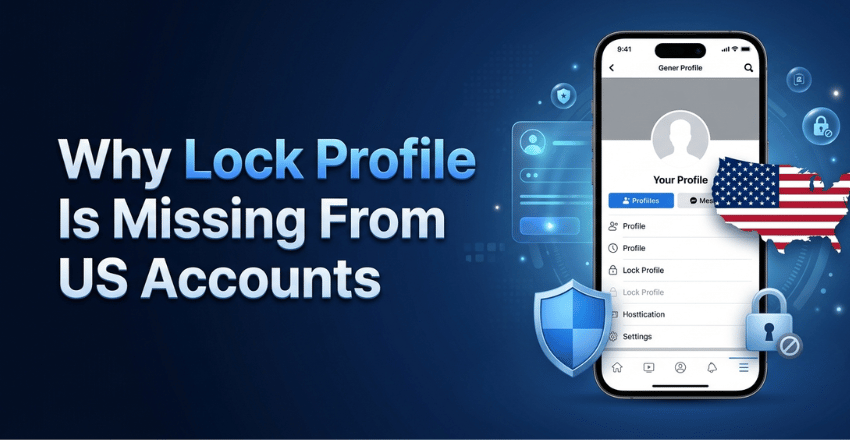
Plenty of guides recommend a Lock Profile shortcut that hides your cover photo, blurs your profile photo to non-friends, and forces every past post to Friends. American readers then hunt for a menu item that isn’t intended for them.
Facebook rolled that feature out in a set of countries that doesn’t include the United States, so the eight steps above are the US equivalent, done manually.
Ads, tracking, and what changed in July 2026
This is where Facebook privacy advice written last year has gone stale. The platform used to offer a control called “Your Activity off Meta technologies,” the descendant of Off-Facebook Activity. It lets you disconnect the browsing data that other businesses sent to Meta about you.
Meta retired that disconnect control in July 2026 in the United States and several other countries. It was replaced by “Activ“ty from other businesses,” which governs whether Meta uses that third-party activity to target you, not whether it collects it in the first place. Meta still receives it. You’re not doing what it’s all about to do once it’s there.
So, spend your time on the parts you still govern:
- Accounts Center > Ad preferences > Ad topics, where you can suppress sensitive categories.
- Ad settings, where you turn off personalization from partner data.
- Apps and websites, where you cut off every third-party service you once logged into with Facebook.
Regulators, not setting menus, handle the rest. The 2019 Federal Trade Commission order fact sheet, published alongside the settlement, records a $5 billion civil penalty and requires privacy reviews of new products under an independent board committee.
Your controls decide what other users see. That order decides what the company itself may do. To follow how those obligations get enforced, our roundup of trusted tech review sites lists outlets that read the filings.
What a private Facebook profile still can’t hide
Few pages spell this out plainly, so here it is. Some things stay visible whatever you switch off.
| Stays visible | Why |
| Your name, profile photo and cover photo | Facebook treats these as always public |
| Comments you leave on public Pages and in public groups | They belong to that Page or group, not your prProfile |
| Marketplace listings | Buyers need to see who they’re dthey’rewith |
| Cached copies of your oldprofile onn Google | De-indexing stops new PrProfileit doesn’t cdoesn’tat’s stored |
| Anything a friend screenshots or reshares | Audience controls end at the person you shared with |
That last row is the honest Limit of the whole exercise. Roughly seven-in-ten social media users (68%) say they have changed their social media privacy settings. That figure comes from the Pew Research Center’s 2023 report on how Americans protect their online data, a survey of 5,101 US adults. In the same research, 61% said they were skeptical about anything they did would make much difference.
Both numbers are fair. Settings shrink your Audience; they don’t eradicate it. Device security is the other half people forget. A stolen session cookie ignores every Audience setting you changed. That is why our list of expert-tested antivirus picks belongs beside a Facebook privacy checklist rather than in a separate conversation.
A two-minute check that it worked
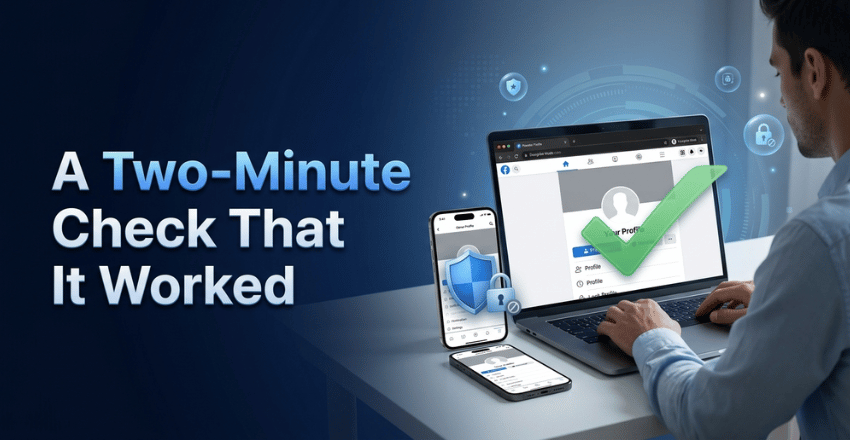
Log out, or open a private browsing window, and load facebook.com/yourusername. What loads is what a stranger sees.
- Confirm that your posts have disappeared from public view.
- Search your own name on Google. Expect the old result to linger for weeks, and file a removal request if it still shows content you limited.
- Check that your friends list and details are gone.
Do it again in a month. Facebook redesigns these menus regularly, and a setting can quietly reset after a large product update. If you want the free route to broader protection while you’re away, our guide to reliable free antivirus options is the next thing worth 10 minutes.
Frequently asked questions
No. Instagram has one; Facebook doesn’t. Checkup is the closest thing, and it walks you through most of the same choices in sequence.
Only the ones on your own profile. AA profile tagged by someone else keeps their audience, so you must ask them or untag yourself.
Usually a few weeks. Turning off blocks profile ofilee indexing rather than deleting stored results, so cached copies need a separate removal request through Google.
Yes. Set “Who can see your friends list?” to Only me, and nobody sees it, including people you’re connected to.
No. Audience setProfileovern other users. Ad and data controls in the Accounts Center cover what Meta itself collects. Since July 2026, you have controlled how that data gets used rather than whether it’s gathered at all.