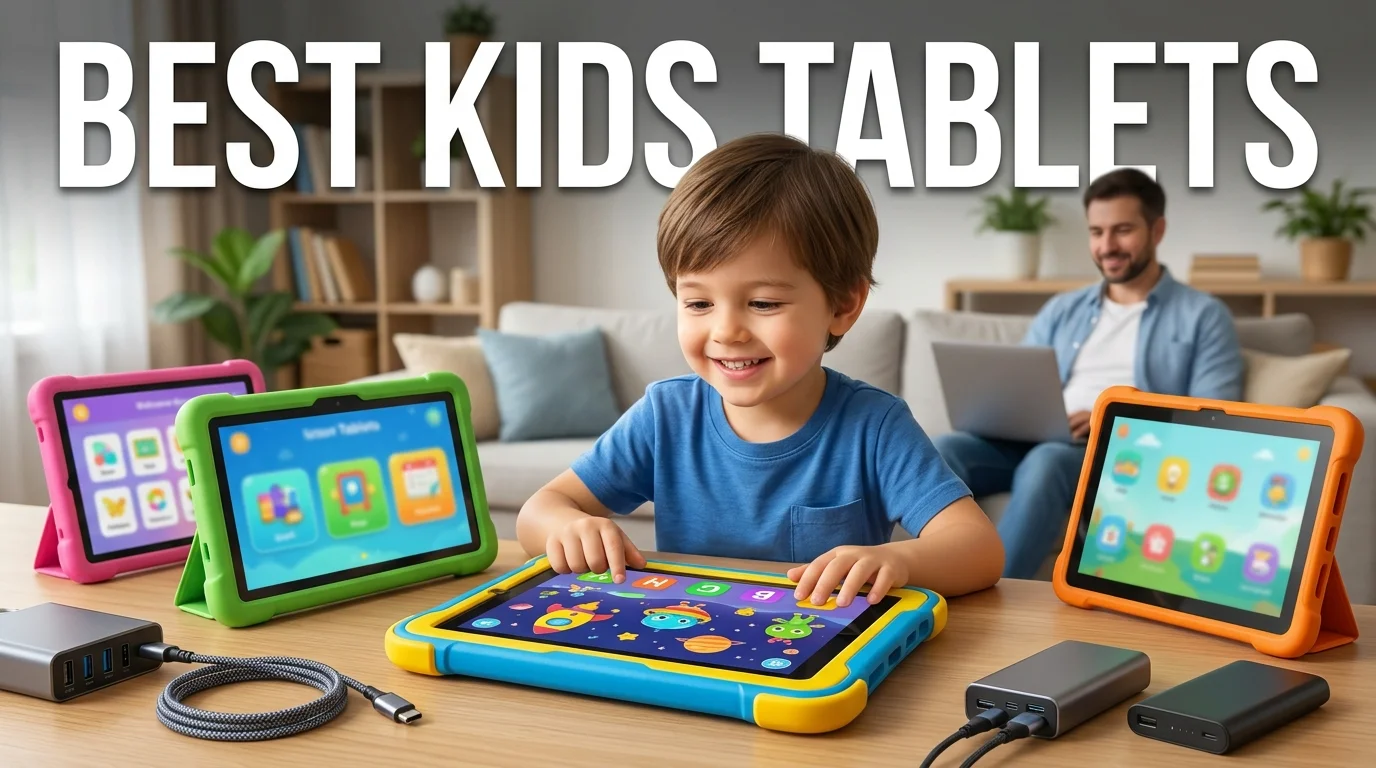
The best kids tablets in 2026 balance parental controls, durability, age-appropriate apps, and enough performance to remain useful for years. For most younger children, Amazon’s Fire HD 8 Kids is the strongest value. Older children may be better served by the Fire HD 10 Kids Pro, Samsung Galaxy Tab A11+ Kids Edition, or Apple’s A16 iPad. We cover this in more depth in Prompt Chaining.
The right choice depends less on raw specifications than on your child’s age, how the tablet will be used, and which app ecosystem your family prefers.
Quick Comparison of Our 6 Picks
| Rank | Tablet | Best For | Screen | Storage | Battery Claim | Price Level |
|---|---|---|---|---|---|---|
| 1 | Amazon Fire HD 8 Kids | Younger children and travel | 8-inch HD | 32GB, expandable | Up to 13 hours | Budget |
| 2 | Amazon Fire HD 10 Kids | Younger kids who want a larger screen | 10.1-inch HD | 32GB, expandable | Up to 13 hours | Budget to midrange |
| 3 | Amazon Fire HD 10 Kids Pro | Ages 6 to 12 | 10.1-inch HD | 32GB | Up to 13 hours | Midrange |
| 4 | Samsung Galaxy Tab A11+ Kids Edition | Android families and school-age children | 11-inch, 1920 × 1200 | 128GB | Up to 15 hours | $349.99 |
| 5 | Apple iPad 11-inch (A16) | Older kids and long-term use | 11-inch Liquid Retina | From 128GB | All-day use | From $449 |
| 6 | LeapFrog LeapPad Academy | Preschool and early learning | 7-inch | Learning-focused system | Varies by use | Budget |
Amazon lists its current Fire HD 8 Kids for ages 3 to 7 with 32GB of storage and up to 13 hours of battery life. The Fire HD 10 Kids Pro targets ages 6 to 12 and features a larger 10.1-inch screen. Samsung’s current Galaxy Tab A11+ Kids Edition has 128GB of storage, an 11-inch display, and a $349.99 U.S. price. Apple currently lists the A16 iPad with 128GB of storage starting at $449.
Key Takeaways
- Fire HD 8 Kids is our top pick for many younger children because it combines a compact screen, child-focused controls, and a protective design.
- Fire HD 10 Kids offers more screen space for videos, reading, and educational apps.
- Fire HD 10 Kids Pro suits elementary- and middle-school-age children who need a less childlike design.
- Samsung’s Kids Edition offers more storage and greater Android flexibility.
- The A16 iPad makes the most sense when you want one device to last into the teen years.
- LeapPad Academy favors guided learning over a broad tablet app ecosystem.
How We Chose the Best Kids Tablets for 2026
This ranking compares current manufacturer specifications with major 2026 buying guides from TechRadar, Tom’s Guide, New York Magazine’s Strategist, and Android Central. Current roundups repeatedly favor Amazon Fire models and Apple’s iPad, although the preferred model varies by age and use case.
We prioritized five factors: parental controls, age fit, durability, battery life, and useful lifespan. Storage, app availability, screen size, and included child-friendly accessories also affected the rankings.
This is an editorial comparison based on current specifications and independent reviews. It is not presented as a hands-on laboratory test.
1. Amazon Fire HD 8 Kids: Best Overall for Younger Children
The Fire HD 8 Kids offers a practical balance for children ages 3 to 7. Amazon’s current model has an 8-inch HD display, 32GB of storage, 3GB of RAM, and a stated battery life of up to 13 hours. Storage can be expanded with a microSD card.
Its smaller size is useful in the car, on flights, or around the house. Amazon also designs the Kids version around parental controls and child-focused content rather than requiring parents to build the entire setup themselves.
Pros
- Compact enough for smaller hands
- Protective, child-focused design
- Up to 13 hours of claimed battery life
- Expandable storage
- Built-in parental-control features
Cons
- 32GB of internal storage can fill quickly with offline media
- You should check your preferred apps before buying
- Older children may outgrow the child-focused interface
Verdict: This is our first choice for families buying their younger child’s first full-featured tablet.
2. Amazon Fire HD 10 Kids: Best Big Screen for Ages 3 to 7
The Fire HD 10 Kids takes the younger-child formula and gives it a larger 10.1-inch display. Amazon positions the model for ages 3 to 7 and lists 32GB of internal storage with support for expandable storage. Its stated battery life reaches up to 13 hours.
The larger screen is appealing for picture books, movies, educational games, and shared viewing. The trade-off is portability. An 8-inch model is easier for a small child to hold during a long trip.
Pros
- Large screen for books and videos
- Child-oriented parental controls
- Expandable storage
- More viewing space than the 8-inch model
Cons
- Bulkier for small hands
- Base storage is still 32GB
- Extra screen size may be unnecessary for travel-focused use
Choose this model over the HD 8 when screen space matters more than compact size.
3. Amazon Fire HD 10 Kids Pro: Best for Ages 6 to 12
Amazon designed the Fire HD 10 Kids Pro for children ages 6 to 12. It has a 10.1-inch display, includes 32GB of storage, and carries a stated battery-life rating of up to 13 hours. Its case is slimmer than that of the version designed for younger children.
That combination suits children who have moved beyond preschool apps but still need a parent-managed device. The larger display also makes reading and homework-related activities more comfortable.
Pros
- Designed specifically for ages 6 to 12
- Large display
- Slimmer, more mature-looking protective case
- Strong focus on parental controls
Cons
- 32GB is modest for a device intended for several years of use
- Families should confirm access to required school apps
- Less flexible than a standard Android tablet or iPad
This is our preferred Fire model for elementary-age children who no longer want a preschool-style device.
4. Samsung Galaxy Tab A11+ Kids Edition: Best Android Choice
Samsung’s 2026 Galaxy Tab A11+ Kids Edition is one of the more interesting newer options. It has an 11-inch 1920 × 1200 display, 128GB of storage, and manufacturer-claimed battery life of up to 15 hours. Samsung currently lists it for $349.99.
The package includes a kids case, Crayo-Pen, stickers, and a setup guide. Samsung Kids lets parents manage screen time, app access, contacts, and content. Samsung also promises up to seven generations of operating-system and security upgrades.
Pros
- 128GB provides far more room than basic Fire models
- Full-size 11-inch screen
- Samsung Kids parental tools
- Child-friendly case and drawing accessory included
- Long software-support commitment
Cons
- Higher initial cost than basic child-focused options
- Larger screen is less convenient for small children
- More features also mean more settings for parents to configure
Android families should put this model high on their shortlist, especially if they want a device that can remain useful as their child’s school needs expand.
5. Apple iPad 11-inch (A16): Best Long-Term Pick
Apple’s current standard iPad uses the A16 chip and an 11-inch Liquid Retina display. Storage now starts at 128GB, with larger capacities available. Apple’s U.S. store currently lists the model starting at $449.
The iPad makes sense for an older child who may use one device for school, creative apps, games, video calls, and entertainment. Parents can manage content, web access, app use, purchases, privacy settings, and other restrictions through Screen Time.
Pros
- Strong performance for demanding apps
- 128GB of starting storage
- Broad selection of educational and creative apps
- Detailed Screen Time restrictions
- Better suited to a device expected to last into the teen years
Cons
- Higher starting price
- A protective case adds to the total cost
- More capability than many preschoolers need
For older children, the higher upfront cost can make sense if the goal is to avoid replacing a basic child-focused tablet after only a few years.
6. LeapFrog LeapPad Academy: Best for Guided Preschool Learning
LeapPad Academy takes a different approach. It uses a 7-inch shatter-resistant screen, a stylus, a protective bumper, and a collection of educator-approved learning apps. LeapFrog lists 20 included apps and activities.
This device works best for parents who want a more focused learning experience instead of a general-purpose entertainment tablet.
Pros
- Learning-first design
- Compact 7-inch screen
- Stylus and protective bumper
- Curated, included activities
Cons
- Much less versatile than Android tablets or iPads
- A child may outgrow it sooner
- Not the right choice for broad school or entertainment use
For preschool learning, that limited scope can be an advantage rather than a weakness.
How to Choose the Right Tablet for Your Child
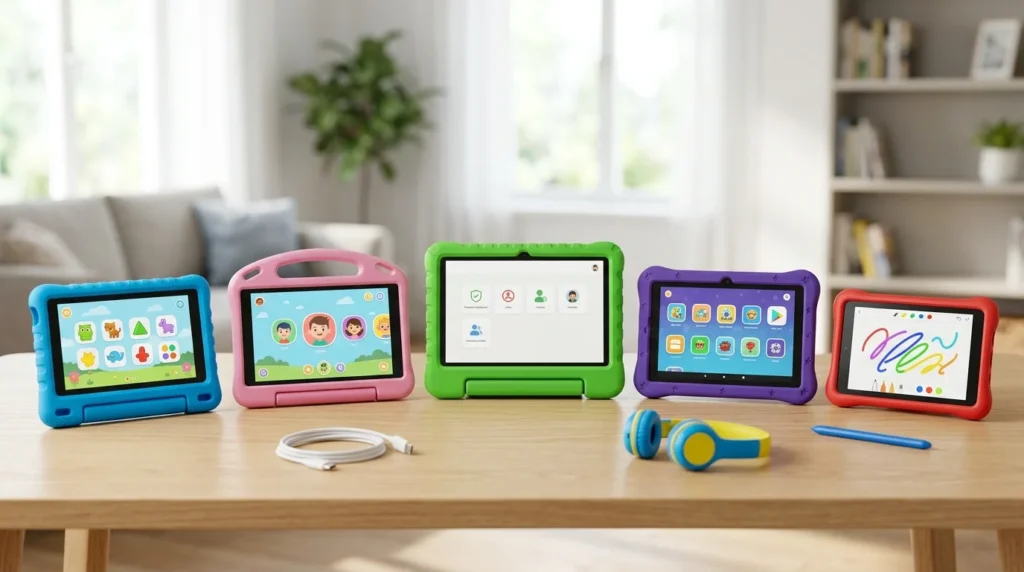
Match the Device to Your Child’s Age
For children ages 3 to 7, simplicity and physical protection should come first. Amazon’s standard Kids models are designed around this age group.
For children ages 6 to 12, a larger display, more mature apps, and additional storage may become more important. The Fire HD 10 Kids Pro and Samsung Kids Edition fit that transition well.
For older children, a standard iPad or Android tablet often makes more financial sense. Either option can handle school tasks and more demanding apps without looking like a preschool device.
Check Storage Before You Buy
A 32GB tablet can work for streaming, lightweight apps, and a modest number of downloaded videos. Expandable storage makes that limit easier to manage.
A 128GB device gives families more room for games, photos, creative apps, and offline media. It also reduces the need for storage management as the child gets older.
Think About Screen Size
An 8-inch tablet is lighter and easier to pack. A 10-inch or 11-inch display provides more room for reading, movies, drawing, and split-screen school tasks.
There is no universally better size. Choose based on where the device will spend most of its time.
Decide How Much You Want to Spend
A lower-cost child-focused model makes sense if the tablet is likely to be dropped, spilled on, or replaced within a few years.
Spending more becomes easier to justify when the same device will support schoolwork and apps for older children. Samsung’s $349.99 Kids Edition and Apple’s $449 starting iPad fall into that longer-term category.
Parental Controls Matter as Much as Hardware
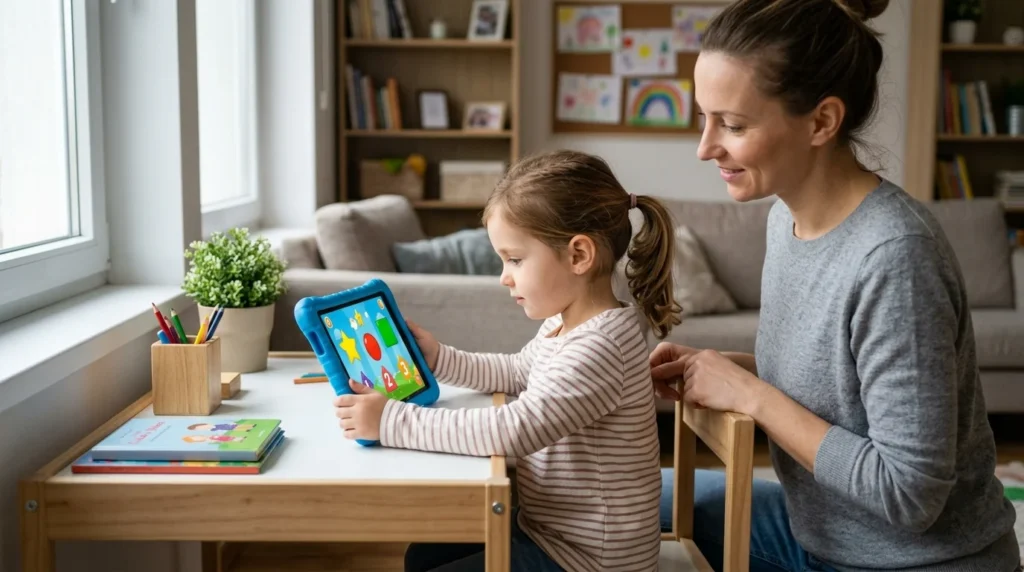
A fast processor does little for family use if the account settings are configured poorly. Set up purchase approvals, content ratings, time limits, web filters, and app permissions before handing over the tablet.
Google Family Link supports daily limits, app limits, and Google Play content controls on compatible supervised Android accounts. Apple Screen Time offers content, privacy, purchase, web, and communication restrictions for a child’s iPhone or iPad.
Android users can also review Techixia’s Google Play Store parental-control settings for information about PIN protection and content limits. If YouTube is part of the setup, Techixia’s guide to blocking YouTube channels on supervised accounts explains the difference between actual blocks and recommendation filters.
For older children who use browsers, Techixia also covers private-browsing controls and their limits across Android devices, iPhones, and desktop browsers.
The American Academy of Pediatrics’ 2026 guidance also shifts attention away from one universal screen-time number. It encourages parents to consider the child, the content, how the media is used, what it displaces, and how the family communicates about its use. AAP resources also recommend setting screen-free times or places and reducing features such as autoplay or unnecessary notifications.
Final Verdict
For a younger child’s first tablet, Amazon Fire HD 8 Kids is our top recommendation. It focuses on the features parents are most likely to use without requiring premium hardware.
Choose the Fire HD 10 Kids if a larger screen is the priority. Move to the Fire HD 10 Kids Pro for children ages 6 to 12. Samsung’s Galaxy Tab A11+ Kids Edition is the stronger Android option for families that want more storage and room to grow.
For an older child who needs one device for school, creativity, and entertainment, the A16 iPad is the strongest long-term choice.
Before buying, shortlist the two models that match your child’s age. Then compare each retailer’s current price, the included accessories, the required apps, and the parental-control setup. That final check matters more than choosing the tablet with the longest specification list.
Frequently Asked Questions
For younger children, the Fire HD 8 Kids offers the strongest mix of compact size, parental controls, battery life, and value. The Fire HD 10 Kids Pro is better suited to children ages 6 to 12. Samsung’s Galaxy Tab A11+ Kids Edition and Apple’s A16 iPad are stronger long-term options for older children.
An iPad offers more performance, greater app flexibility, and stronger long-term potential. A Fire Kids tablet costs less and provides a simpler child-focused experience. Younger children often benefit more from the Fire tablet’s simplicity than from an iPad’s extra power.
It can be enough for lighter use, especially if the device supports expandable storage. Families that download large games, videos, or creative apps should consider 128GB or more.
There is no single correct age for every family. Consider maturity, purpose, supervision, and whether tablet use replaces sleep, outdoor activity, schoolwork, or family interaction. The AAP’s current framework encourages parents to consider these contextual factors rather than rely on one universal time limit.
An 8-inch model is easier to carry and hold. A 10-inch or 11-inch display provides more room for reading, drawing, videos, and school tasks. For frequent travel, a smaller tablet often works better. For home learning, the larger screen may be worth the added weight.