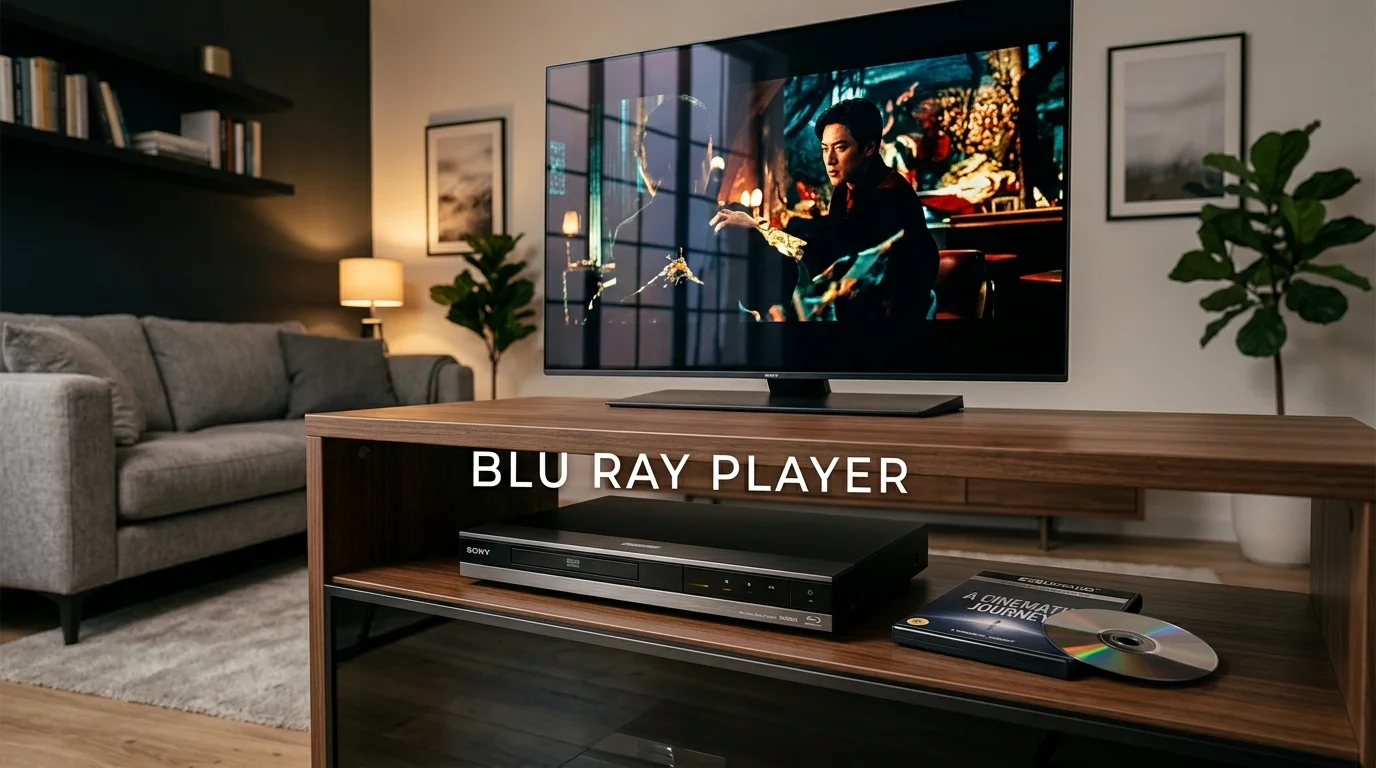
A blu ray player still makes sense for viewers who value disc ownership, stable playback, and strong home-theater quality. In 2026, the main choice is between standard 1080p playback and native 4K Ultra HD playback. Your TV, disc collection, HDR support, and audio system should decide which route you take.
Most U.S. buyers with a 4K HDR television should choose a native Ultra HD Blu-ray deck. Prioritize reliable disc playback, HDR support matching your television, and compatible audio output. A standard player still makes sense for older televisions and existing Blu-ray or DVD collections.
| Buying question | What to know |
|---|---|
| Standard Blu-ray | Designed mainly for 1080p Blu-ray discs, DVDs, and compatible CDs |
| 4K Ultra HD | Required for native Ultra HD Blu-ray discs |
| HDR | Check Dolby Vision and HDR10+ support against your television |
| Audio | Look for Dolby Atmos or DTS bitstream output when using compatible receivers |
| Typical U.S. price | Roughly $100 for basic models to $600-plus for premium 4K hardware |
| Region concerns | Standard U.S. Blu-rays generally use Region A; Ultra HD Blu-rays are region-free |
Blu Ray Player in 2026: Who Should Still Buy One?
A disc player remains useful when you own movies, prefer physical collections, or want predictable playback without streaming conditions. Current U.S. stores still sell several dedicated Sony and Panasonic models across standard and 4K categories. Recent 2026 buying guides also continue covering new purchases for home-theater users.
The case becomes stronger when your television supports 4K HDR and your movie collection includes Ultra HD discs. Native UHD playback differs from simply upscaling a normal 1080p Blu-ray. A standard player labeled for 4K upscaling still cannot play an Ultra HD Blu-ray disc.
If you are upgrading your display too, match the player to the television rather than shopping separately. Techixia’s 55-inch smart TV buying guide explains HDR formats, HDMI ports, and current display choices. Those details can determine which disc-player features are worth paying for.
Standard Blu-ray, 4K UHD, or a Game Console?
These three routes solve different problems, so price alone should not decide the purchase. Standard decks work well for existing HD collections, while UHD machines serve modern 4K home theaters. Disc-equipped game consoles can cover basic movie playback without adding another device.
| Option | Main advantage | Main limitation | Good fit |
|---|---|---|---|
| Standard 1080p player | Lower purchase price | Cannot play Ultra HD Blu-ray discs | DVD and standard Blu-ray collections |
| 4K UHD player | Native 4K discs and wider HDR options | Costs more | 4K HDR televisions and home theaters |
| PS5 or Xbox Series X with drive | Games and movies from one device | Fewer dedicated movie controls | Gamers who already own the console |
Sony confirms its current UBP-X700 supports Ultra HD Blu-ray, standard Blu-ray, DVD, CD, and several other formats. It also supports Dolby Atmos and DTS bitstream output through compatible equipment. It includes Wi-Fi, Ethernet, USB, and dual HDMI outputs.
9 Checks to Make Before You Buy
- Check for native Ultra HD playback. A 4K upscaling label does not guarantee UHD disc support. Look specifically for “Ultra HD Blu-ray” playback.
- Match HDR formats to your television. Dolby Vision and HDR10+ are separate formats. Paying for unsupported HDR features adds little value.
- Check your audio path. Atmos and DTS matter most when your receiver or sound system supports them. Otherwise, basic HDMI audio may be enough.
- Look at HDMI outputs. Dual outputs can separate video and audio connections. This helps with older receivers that cannot pass newer video formats.
- Confirm older-disc compatibility. Many current models play DVDs and CDs alongside Blu-ray discs. Always check the exact specifications before ordering.
- Understand region coding. A typical U.S. standard Blu-ray player uses Region A. Sony says Ultra HD Blu-ray discs are region-free.
- Treat streaming apps as a bonus. Apps on disc hardware can lose support as services change. Sony has documented several service retirements on older players.
- Compare real street prices. Manufacturer prices and retailer prices can differ considerably. Check both before choosing between nearby models.
- Check firmware support. Firmware can improve disc compatibility, HDMI behavior, and other functions. Sony and Panasonic both maintain support resources for current players.
Audio capability deserves special attention if the player feeds an AV receiver instead of the television. Techixia’s multi-channel home theater guide explains 5.1, 7.1, and Dolby Atmos speaker layouts. Matching the player and receiver prevents spending on features your room cannot use.
Cable access also matters after installation, especially with wall-mounted televisions and tight media cabinets. Plan HDMI and power connections before pushing the equipment into place. Techixia’s TV wall-mounting guide covers cable access and placement considerations.
Three Current U.S. Player Types Worth Comparing
Prices below were checked during research on September 16, 2026. Retail pricing can change without notice, so treat these figures as snapshots. Panasonic’s U.S. store and Best Buy currently show a wide gap between basic and premium models.
| Model | Research price | Key features | Best suited for |
|---|---|---|---|
| Sony BDP-S1700U | About $115 | Standard Blu-ray, DVD, CD, HDMI, Ethernet | Older HDTVs and standard disc collections |
| Sony UBP-X700U | About $330 | 4K UHD, Dolby Vision, Wi-Fi, dual HDMI, Atmos and DTS bitstream | Mainstream 4K home theaters |
| Panasonic DP-UB820 | $649.99 direct | Dolby Vision, HDR10+, HDR Optimizer, twin HDMI | Buyers prioritizing HDR control and premium playback |
Sony BDP-S1700U
Pros: It handles standard Blu-ray, DVD, CD, and several file formats. Its lower cost suits viewers who do not own UHD discs.
Cons: It does not provide native Ultra HD Blu-ray playback. Sony’s specifications also show no built-in Wi-Fi on this model.
Sony UBP-X700U
Pros: It adds native 4K UHD playback, Dolby Vision, dual HDMI outputs, Wi-Fi, and advanced audio support. Its format support covers many common disc collections.
Cons: Sony requires users to manually enable Dolby Vision output. Supported models don’t offer an automatic mode.
Panasonic DP-UB820
Pros: It supports Dolby Vision, HDR10+, Panasonic’s HDR Optimizer, and twin HDMI outputs. Those features suit demanding 4K displays and more complex home-theater systems.
Cons: Its price sits far above mainstream models. Panasonic currently lists the player at $649.99 in its U.S. store.
Do You Need a Dedicated Player if You Own a Console?

A disc-equipped PlayStation 5 can play 4K Ultra HD Blu-rays, standard Blu-rays, and DVDs. The PS5 Digital Edition lacks a built-in drive unless you add a compatible external drive. That makes an existing disc-equipped PS5 a practical starting point for many households.
Microsoft also lists 4K UHD Blu-ray drives on specific Xbox Series X configurations. Digital-only Xbox models don’t offer optical playback. Check the exact console version before assuming a drive is included.
A dedicated unit becomes more attractive when you want features designed specifically around movie playback. Current dedicated models offer options including Dolby Vision, HDR10+, HDR processing, and separate HDMI audio output. Recent testing coverage also favors dedicated hardware for demanding physical-media systems.
Region Codes Matter for Imported Movies
Standard Blu-ray discs can carry Region A, B, or C coding. North America, including the United States, belongs to Region A. A normal U.S. machine may therefore reject a Region B or Region C title.
Ultra HD Blu-ray works differently because Sony states that UHD discs are region-free. That makes international UHD collecting simpler than importing standard Blu-rays. DVDs use another region system, so collectors should check DVD compatibility separately.
Streaming Features Should Not Drive the Purchase
Built-in streaming sounds convenient, but many televisions already provide stronger app platforms. Streaming sticks and consoles also receive frequent software attention. Disc playback should therefore remain the main reason for buying dedicated hardware.
Older Sony support pages show how individual streaming services can disappear from disc players. That history makes app support a weaker long-term buying criterion. Wi-Fi remains useful for firmware updates even when you stream elsewhere.
Frequently Asked Questions
Is a blu ray player worth buying in 2026?
Yes, when you own physical movies or want native 4K UHD playback from compatible discs. It also makes sense when streaming availability changes often. Viewers who stream everything and own no discs may not need one.
Can a Blu-ray player play DVDs?
Many current models can play DVDs, but you should confirm the individual specifications. Sony lists DVD playback on both its BDP-S1700 and UBP-X700 families. Many Panasonic models also combine Blu-ray, DVD, and CD playback.
Can a normal Blu-ray player play 4K Ultra HD discs?
No, standard playback and 4K upscaling do not equal native Ultra HD disc support. You need hardware specifically supporting Ultra HD Blu-ray. Check the specifications before buying a player advertised as “4K.”
Do I need Dolby Vision?
You need it only when your television supports Dolby Vision, and you own compatible content. HDR10 remains common, while some Panasonic players also support HDR10+. Match the player’s formats to the television rather than buying every available feature.
Does a Blu-ray player need Wi-Fi?
Wi-Fi isn’t required for standard disc playback. It can make firmware updates, network features, and supported streaming functions easier. Several current models also offer Ethernet.
Are U.S. Blu-ray discs region locked?
Some standard discs use Region A coding in the United States, while others are region-free. Sony says Ultra HD Blu-ray discs are region-free. Check imported standard discs before buying.
The Verdict: Choose the Player Your Setup Can Use
For most U.S. buyers with a 4K HDR television, the Sony UBP-X700U offers a sensible balance of features. It supports UHD discs, Dolby Vision, advanced audio formats, Wi-Fi, and dual HDMI outputs. Its manual Dolby Vision setting remains an inconvenience worth knowing before purchase.
Choose a basic 1080p model when your collection consists mainly of standard Blu-rays and DVDs. Consider the Panasonic DP-UB820 when stronger HDR controls and broader HDR support justify the higher cost. Existing PS5 or Xbox Series X owners should first decide whether their console already covers their playback needs.
Before ordering, check your television’s HDR formats, your receiver’s connections, and the discs you already own. Compare manufacturer and retailer prices on the same day. That approach keeps the purchase focused on features you can use.